01
Start from a real reference
Upload a client photo, sketch, screenshot, or flash reference and use it as the base for a more usable tattoo stencil.
Convert any photo or image into a clean, print-ready tattoo stencil with AI. One upload, instant results.
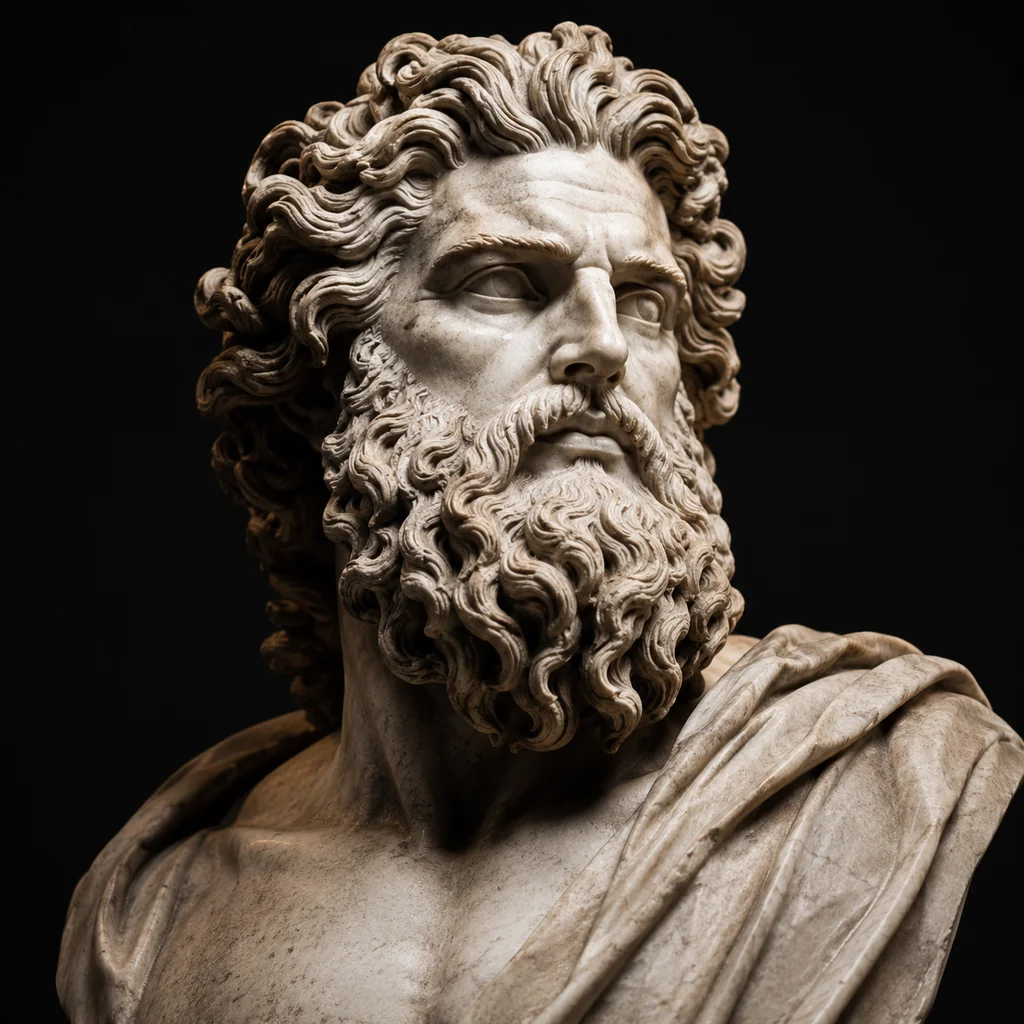
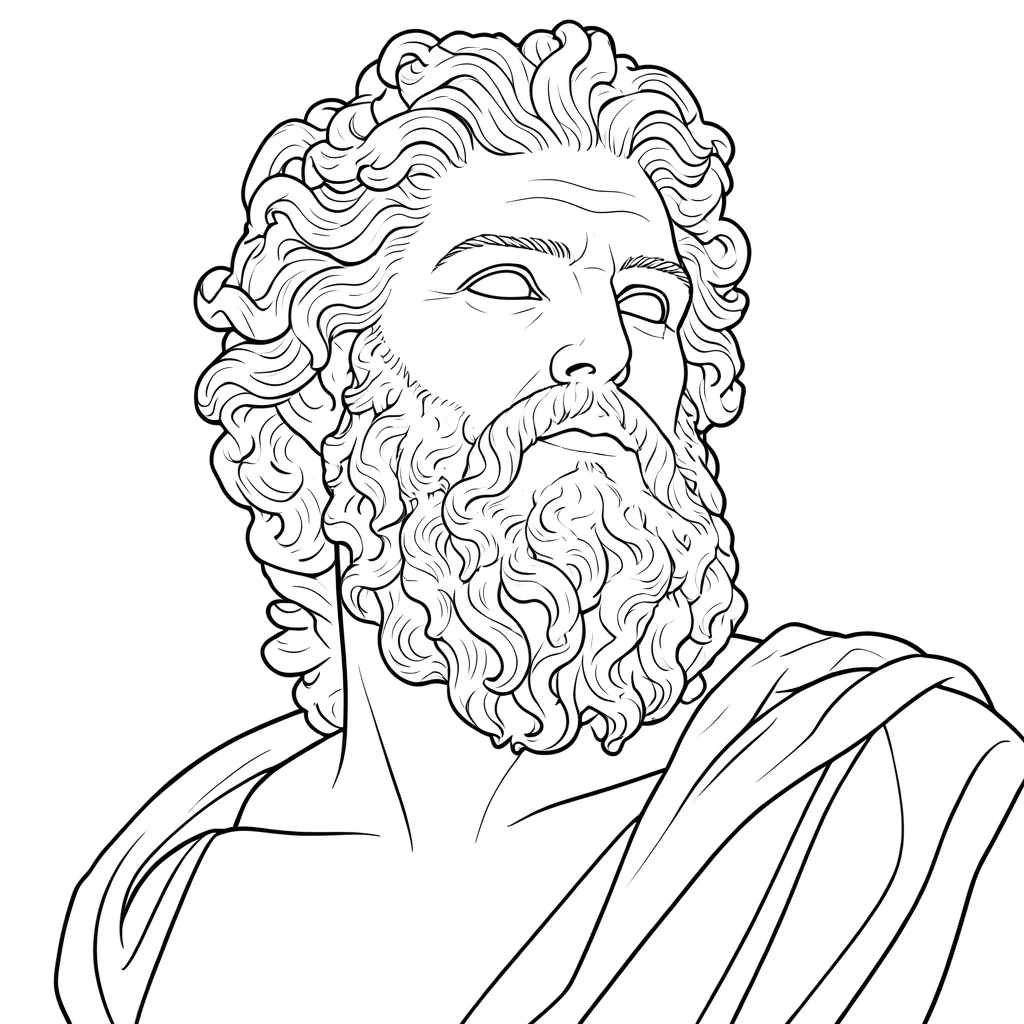
Use this photo-to-tattoo-stencil tool to turn a photo, sketch, screenshot, or image into cleaner line art for stencil prep. Upload a reference, generate a tattoo stencil in seconds, then review, refine, and get it ready for printing.
This tool is designed for people who need to convert a photo to a tattoo stencil without slowing down the prep process. The goal is simple: help you turn a noisy reference into a cleaner stencil base.
Instead of forcing a generic AI art result, Stencil AI focuses on what artists usually need first: clean outlines, clearer separation, and output that is easier to review before printing. That makes it useful for client references, flash cleanup, practice sheets, and thermal transfer prep.
Core workflow
Upload a client photo, sketch, screenshot, or flash reference and use it as the base for a more usable tattoo stencil.
Reduce clutter, simplify distracting detail, and get to a cleaner line-art structure before you finish the stencil in your own tools.
Use the generated result as a faster starting point for export, print review, and the last round of cleanup before printing your stencil.
The tool works best when you already know you want a stencil, not just a concept image. It is especially useful for people working from existing references.
Save time turning client references into cleaner stencil drafts before moving into your normal refinement and transfer process.
Get a faster starting point when learning how to make a tattoo stencil from a photo without tracing every line manually first.
Turn inspiration images into clearer stencil-style references before discussing placement, detail, or final adjustments with an artist.
If you are deciding what kind of reference to use, browse a few stencil directions first, then come back and generate from your own image.
Browse the full stencil hub with rose, butterfly, beginner, simple, floral, and bold stencil directions.
See how petal edges, stems, leaves, and line density affect a floral stencil.
Compare wing symmetry, simplified interior detail, and small-placement readability.
Start with lower-complexity references that are easier to trace, transfer, and review.
A tattoo stencil is the line-art outline you transfer to skin before inking. When people look for tattoo stencils, they usually want that same transfer-ready line art — not a full color comp. The stencil is printed (often on thermal or carbon transfer paper), then applied with transfer solution. Stencil AI turns a photo or reference into that outline.
Use a dedicated photo-to-stencil tool: upload your reference, let the model extract line art, pick a style in Stencil AI, then export. The workflow is simple: upload, choose a look, and get a print-ready file in seconds instead of tracing for an hour in Photoshop. It works with photos, screenshots, and sketches.