01
Start with the client reference
Upload a photo, sketch, screenshot, or flash reference. Crop toward the subject when the background adds noise.
For tattoo artists
Stencil AI helps you move from a photo, sketch, or screenshot to cleaner line art before final cleanup, sizing, thermal printing, or transfer paper prep. It is a prep tool for artists, not a replacement for tattoo judgment.
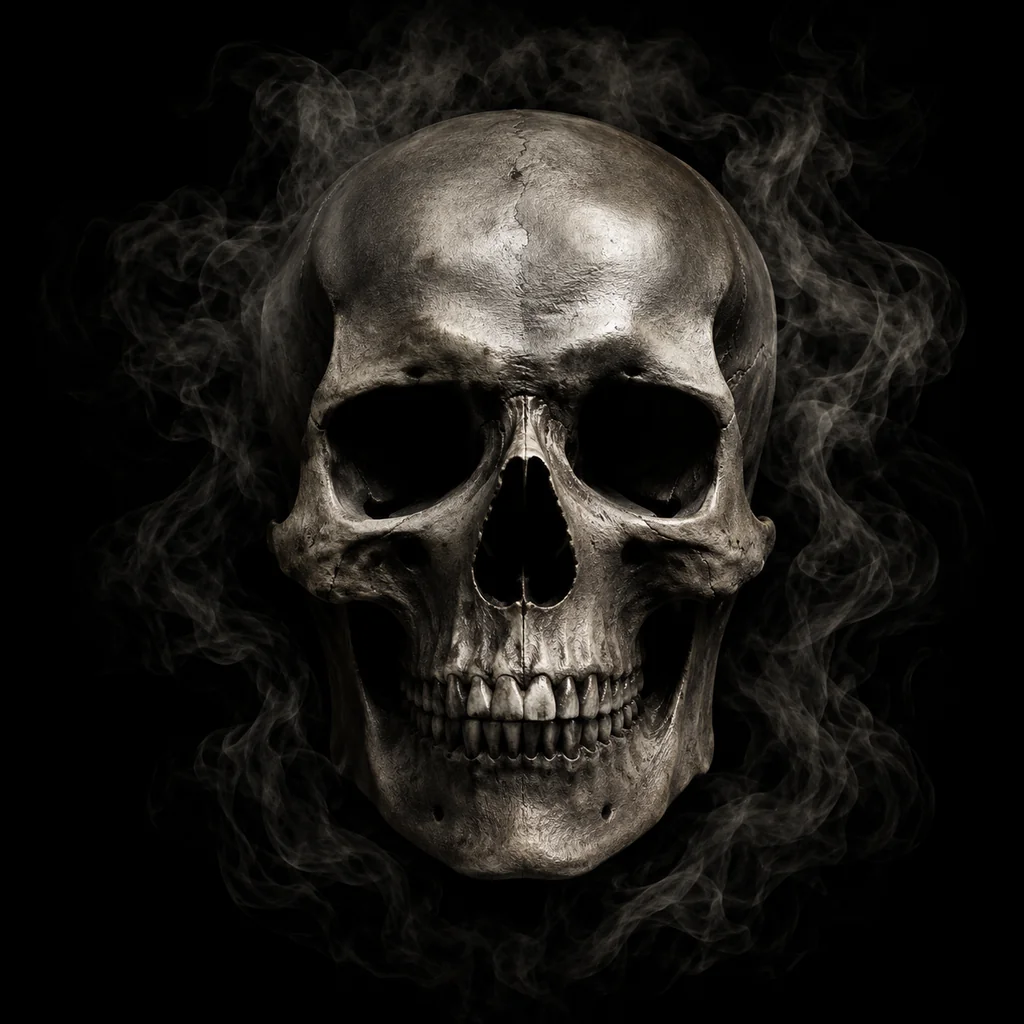
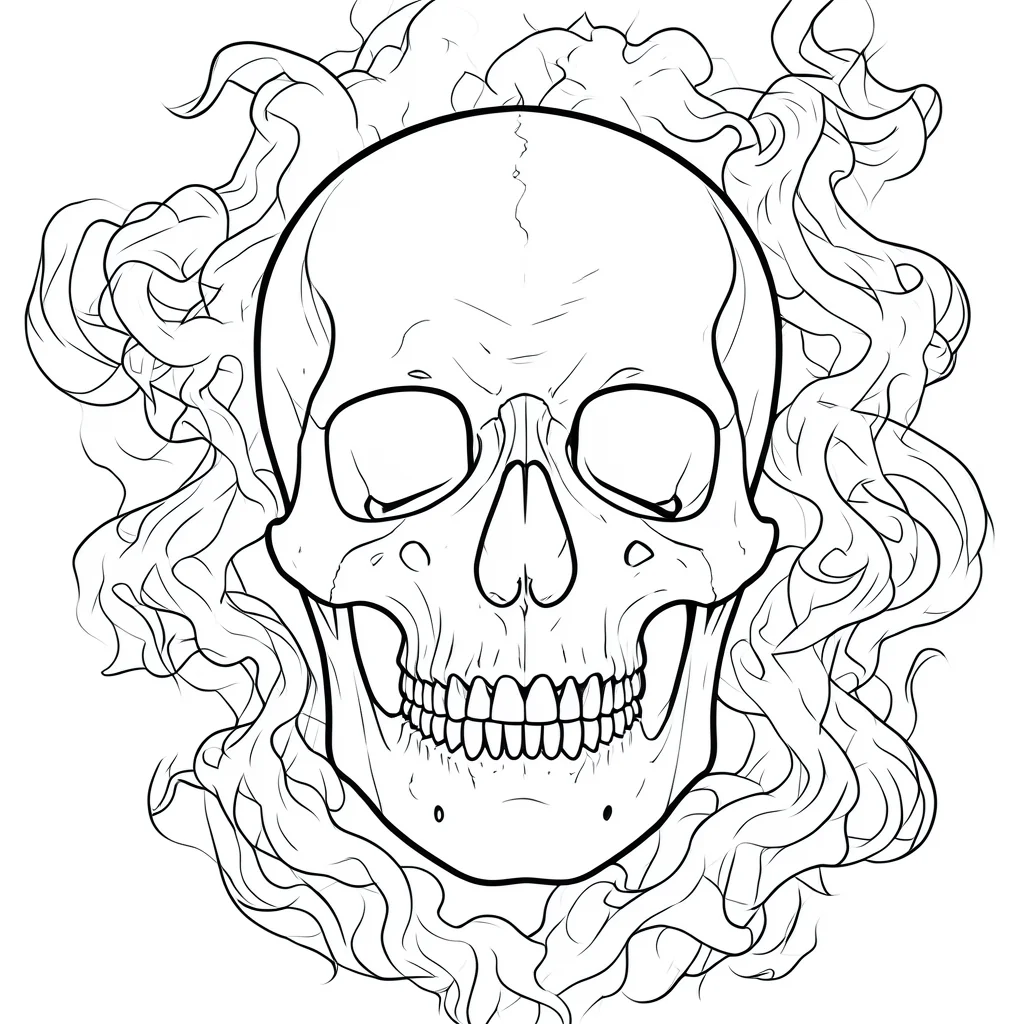
Most stencil prep problems start before the printer: noisy references, soft shadows, thin lines, low contrast, and details that will not survive transfer. Stencil AI turns the reference into a cleaner draft so you can review the structure earlier.
Artists still decide placement, scale, line weight, simplification, and whether the design can actually work on skin. Use the AI output as a draft for cleanup, not as an unreviewed final stencil.
The page is built around the real studio sequence: receive a reference, create a clearer stencil draft, clean it up, then prepare it for printing or transfer.
Upload a photo, sketch, screenshot, or flash reference. Crop toward the subject when the background adds noise.
Use Stencil AI to reduce shadows, texture, and clutter into a stencil draft that is easier to inspect.
Review line spacing, anatomy, readable shapes, and what needs to be redrawn in Procreate, Photoshop, or your normal tool.
Check size, contrast, and line density before sending the file to a thermal printer, mobile printer app, or transfer paper workflow.
Tattoo stencil prep often fails because the input image is not ready for stencil paper or thermal printing. These are the parts Stencil AI can help with before you spend time redrawing.
Get a usable first pass from client references instead of rebuilding every outline from scratch.
A high-contrast draft is easier to review than a shaded photo, especially before thermal printer or transfer paper prep.
Use one browser workflow to create the first stencil draft, then move into your preferred cleanup app only when needed.
Stencil AI is not a printer setup guide, but the output should make your normal print workflow easier to judge. Use this checklist before treating any generated file as ready.
Thermal stencil workflows are easier to check when the draft is clean, high contrast, and not full of soft photo shading.
Fine details can merge or transfer faintly when they sit too close together. Simplify small details before printing.
A design that reads on screen can become crowded at final tattoo size. Review scale before exporting or sending the file to a printer app.
Dense shading, hair, petals, teeth, and ornamental detail need a print check before client skin prep.
The useful promise is speed, not automation of taste. These decisions still belong to the artist.
A flat reference can distort on skin. Review how the draft sits on the body before relying on it.
Stencil lines may need to be heavier than the final tattoo line so they transfer clearly and stay readable.
Remove details that will not heal well, will crowd the design, or do not support the final tattoo.
These pages support the same workflow from different angles: direct generation, beginner-friendly stencil structure, examples, and a full how-to guide.
Go straight to the upload workflow when you already have a client reference ready.
See more examples of how references become stencil-style line art.
Review the broader workflow from reference choice to cleanup, printing, and transfer prep.
Browse rose, butterfly, beginner, simple, flower, and bold stencil examples.
Use lower-complexity examples when line density and transfer readability matter most.
Yes. AI can create a faster stencil draft from a reference image. The artist should still review the line work, scale, placement, and final cleanup before printing or transfer.
No. It reduces repetitive tracing and image cleanup, but it does not replace professional decisions about anatomy, body placement, line weight, or tattooability.
You can download the generated result and use it as a draft for your normal stencil paper workflow. Check contrast, sizing, and line spacing before applying it to skin.
Treat it as a print-ready draft, not an automatic final. Clean black lines usually print better than gray texture, but dense designs still need a test print and artist review.
Use a sharp reference with one clear subject, visible edges, and limited background clutter. Crop busy photos before upload when possible.
Upload a photo, sketch, screenshot, or flash image and create a cleaner stencil draft before final cleanup, printing, or transfer prep.