01
Extract the tattoo from the skin
Use photos of arm, shoulder, chest, back, or leg tattoos when you need the existing ink separated into a cleaner stencil base.
Extract an existing tattoo from a photo and turn it into a clean, flat stencil.
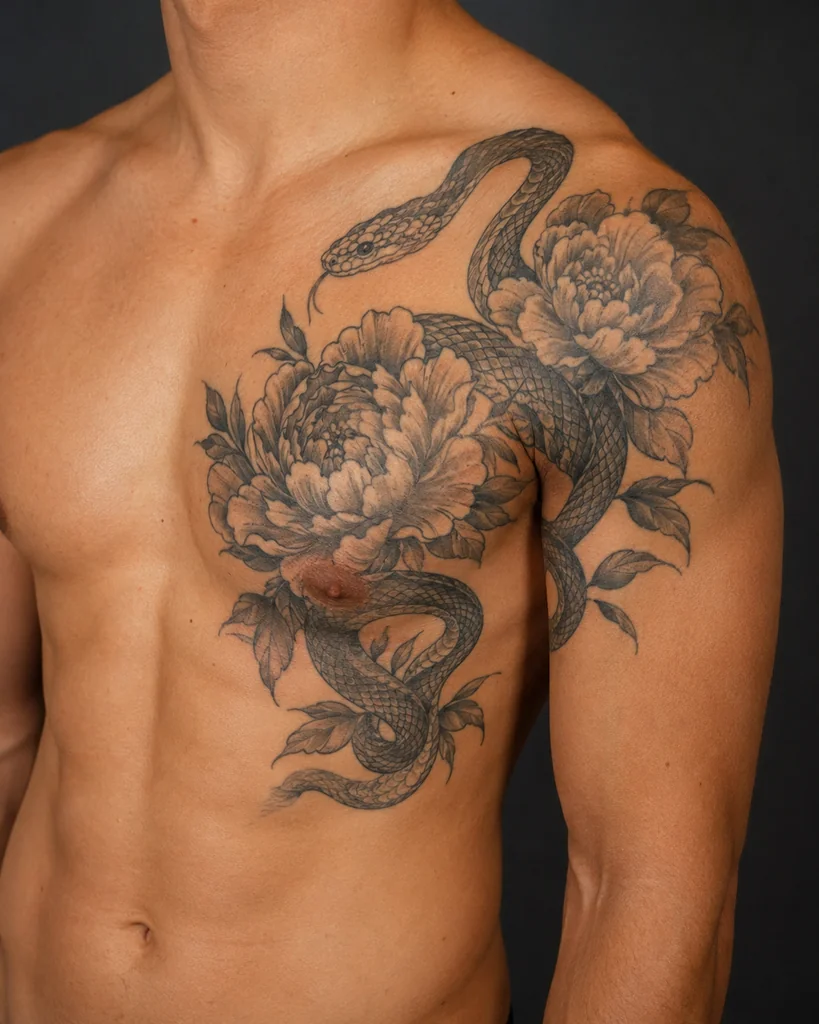
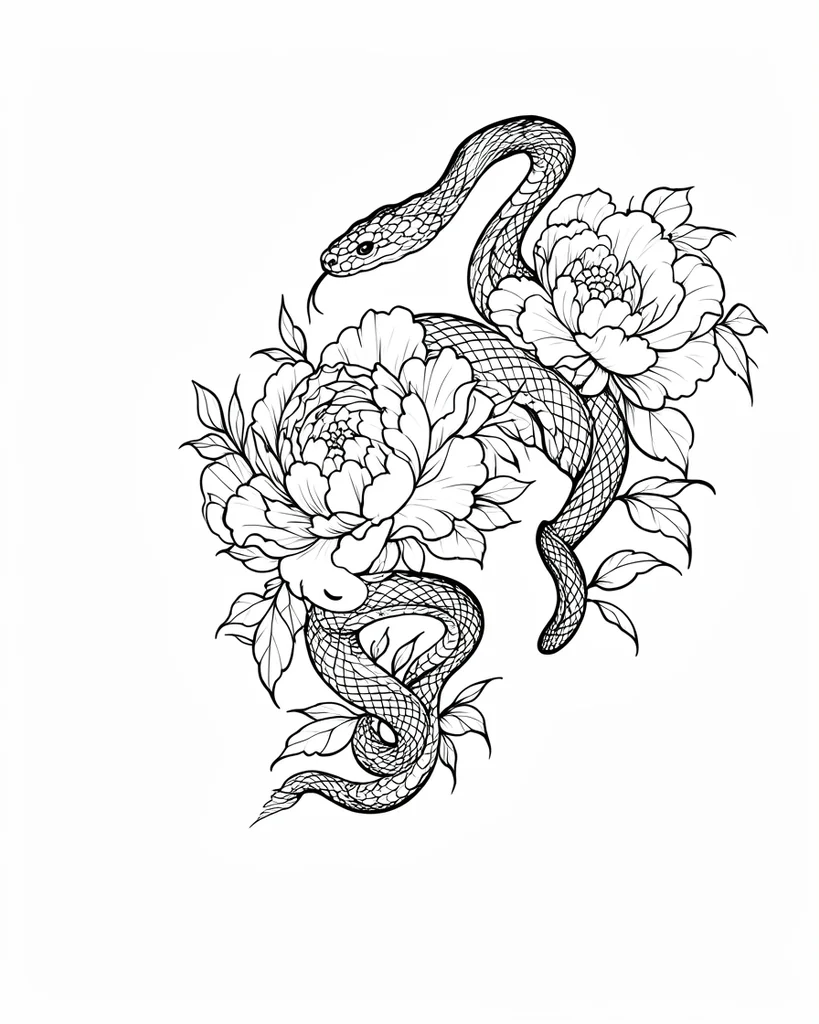
Use this tattoo stencil extractor to separate an existing tattoo from skin, lighting, and camera noise. Upload a clear photo of the tattoo, then turn the visible ink into a flatter stencil base you can review, reuse, or refine.
This tool is for photos where the tattoo already exists on skin. Instead of turning the whole body photo into line art, it focuses on keeping the visible tattoo structure readable.
It works best as a cleanup step before final editing: remove distracting skin texture, lighting changes, and camera noise, then keep the tattoo pattern as a cleaner stencil-style base.
Common use cases
Use photos of arm, shoulder, chest, back, or leg tattoos when you need the existing ink separated into a cleaner stencil base.
Reduce lighting, skin texture, and photo noise so the visible tattoo pattern is easier to review and reuse.
Preserve the main outlines and internal ink structure from detailed tattoos without turning the whole body photo into line art.
The workflow is intentionally short: start with a tattoo photo, extract the ink structure, then decide whether the result is ready to reuse or needs final manual cleanup.
Use a photo where the tattoo is visible, in focus, and not heavily blocked by clothing, glare, or motion blur.
AI helps reduce skin texture, shadows, and camera artifacts while preserving the main outlines and interior tattoo details.
Use the extracted result as a cleaner starting point for reference cleanup, redesign work, or final stencil preparation.
The extractor performs best when the tattoo is the subject of the photo rather than a small detail in a busy scene.
A clear, well-lit photo gives the model more reliable edges and helps avoid noisy lines from skin shadows.
Frame the tattoo so the important outlines and internal details are not cropped, covered, or hidden by extreme perspective.
Reflections, motion blur, and stylized filters can confuse the extraction and make the final stencil harder to read.
If you are not starting from an existing tattoo on skin, one of these stencil workflows may be a better fit.
Convert a regular reference photo, sketch, screenshot, or design image into clean tattoo stencil line art.
Learn how Stencil AI turns references into stencil-ready artwork and compare broader generator examples.
Browse rose, butterfly, simple, beginner, and other stencil directions before uploading your own image.