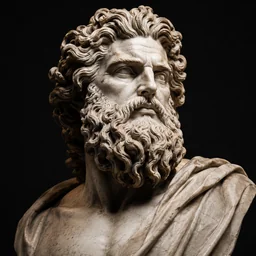
Turn any photo into a clean, transfer-ready tattoo stencil in seconds. No manual tracing. Free to try.
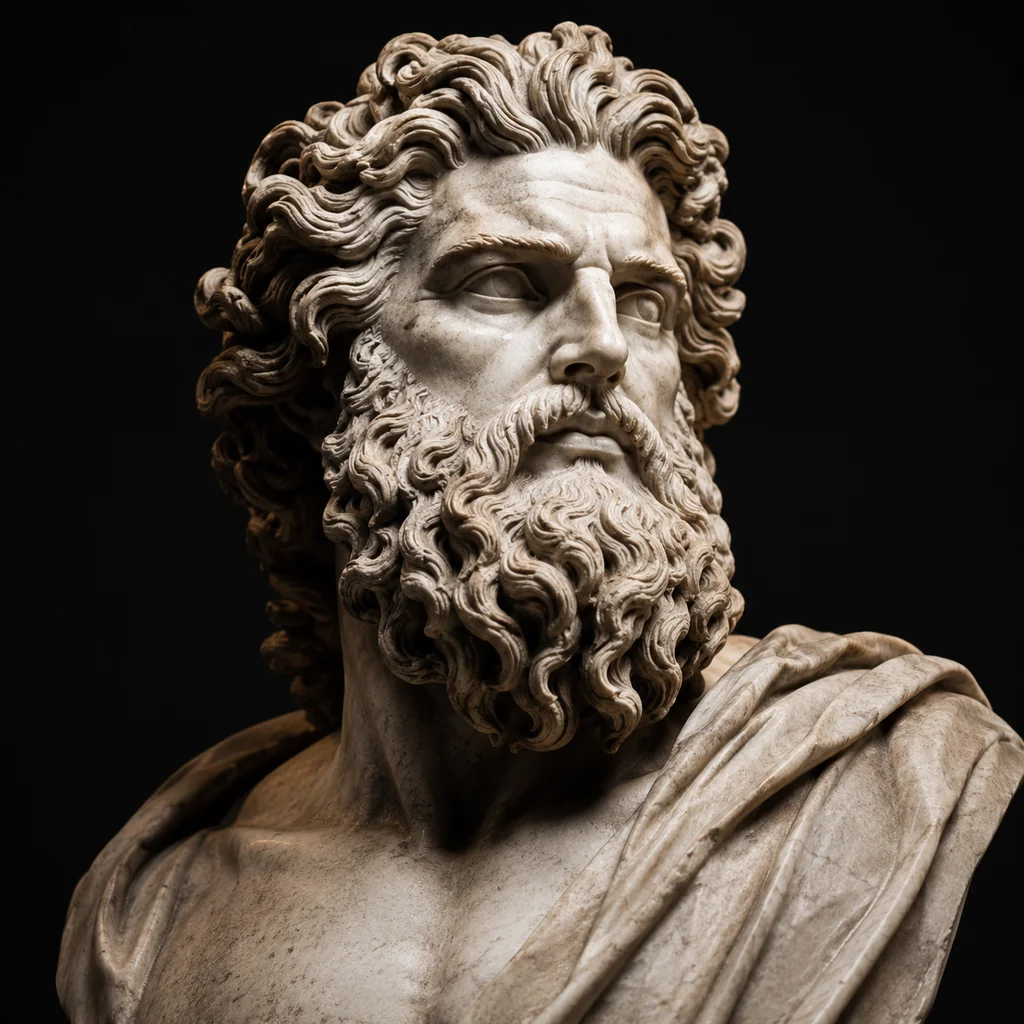
Real sample runs
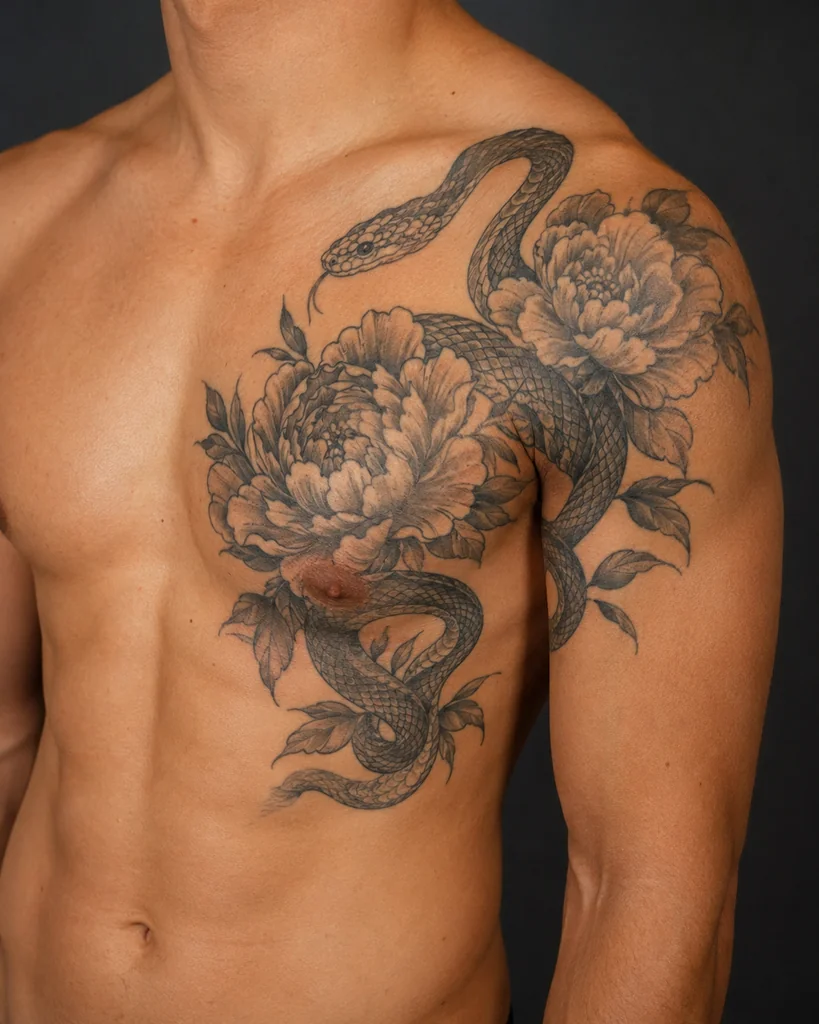
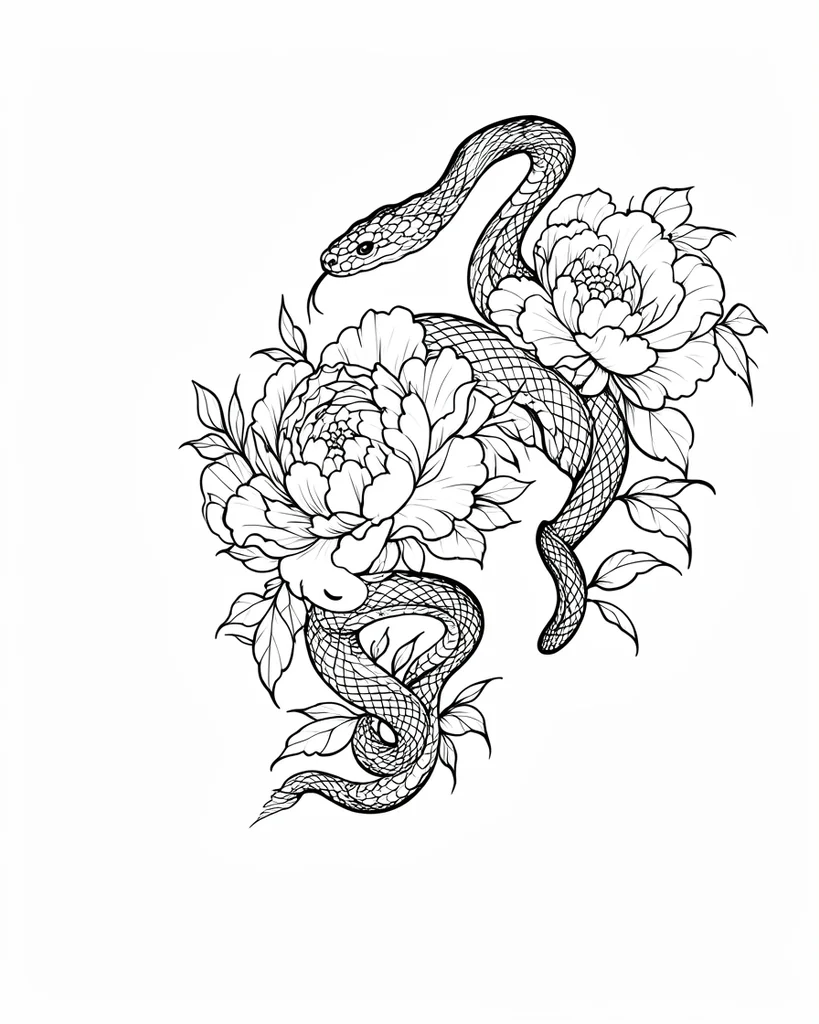
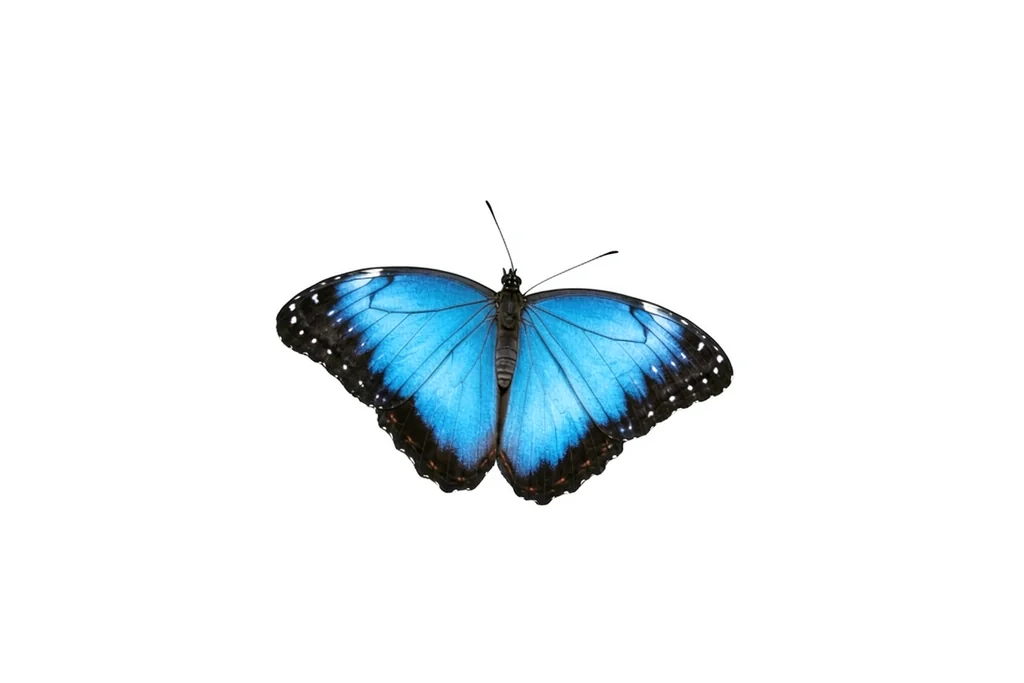
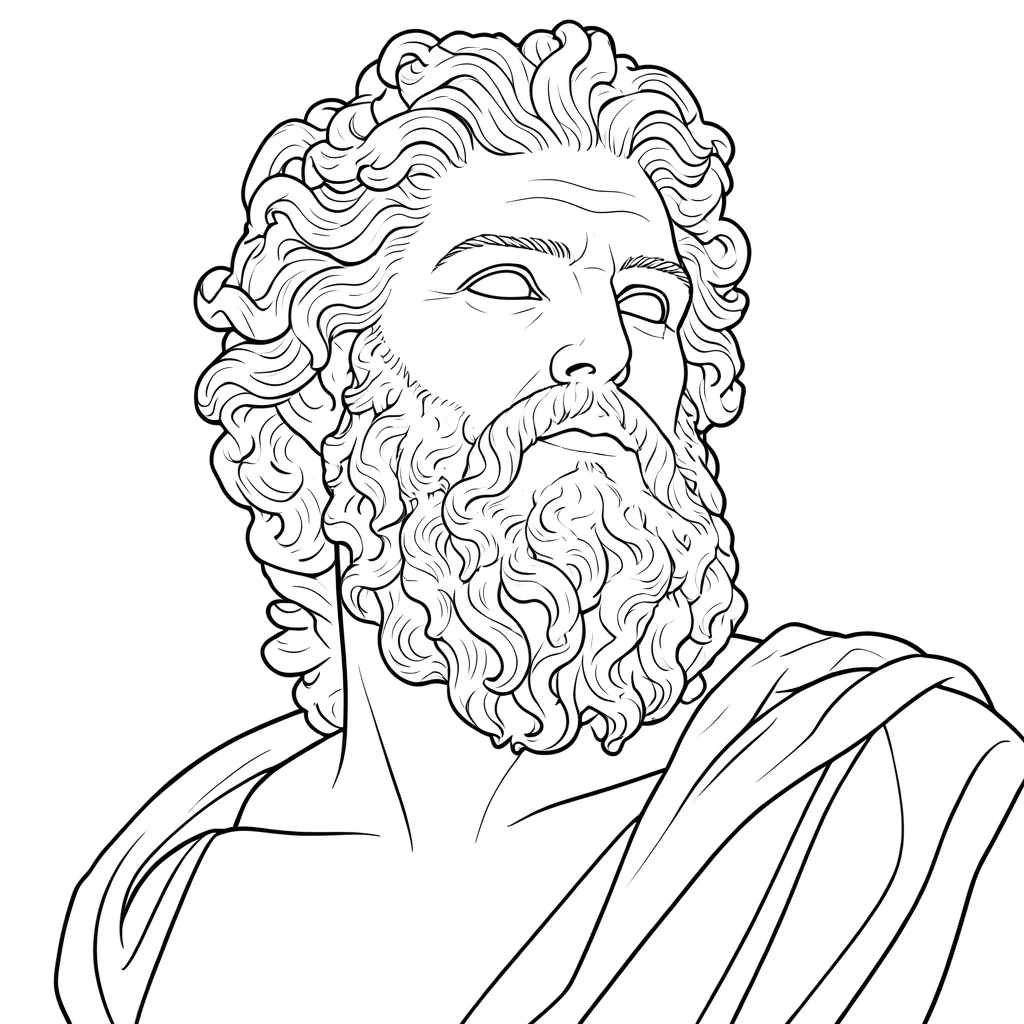
Preview real photo-to-stencil results, then browse rose, butterfly, beginner, and simple tattoo stencil ideas for your next design direction.
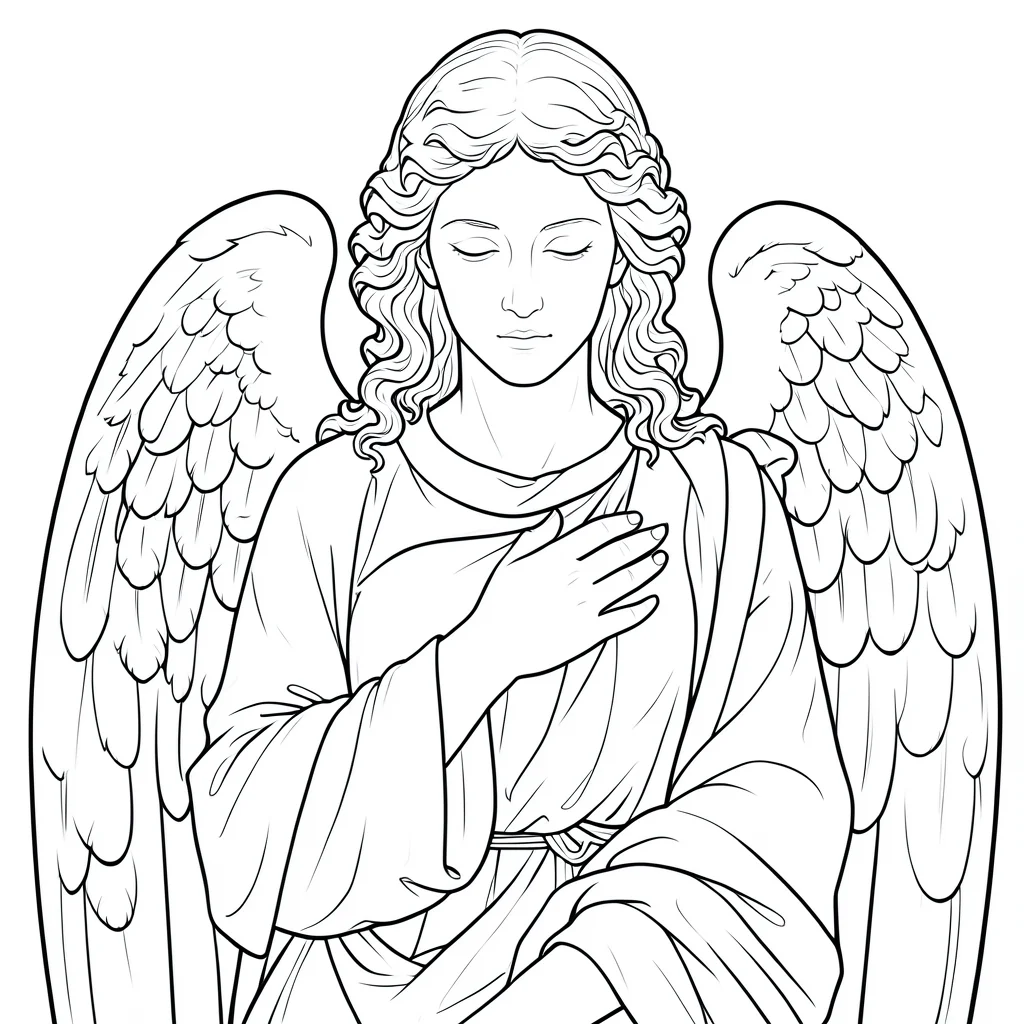
Browse tattoo stencil designs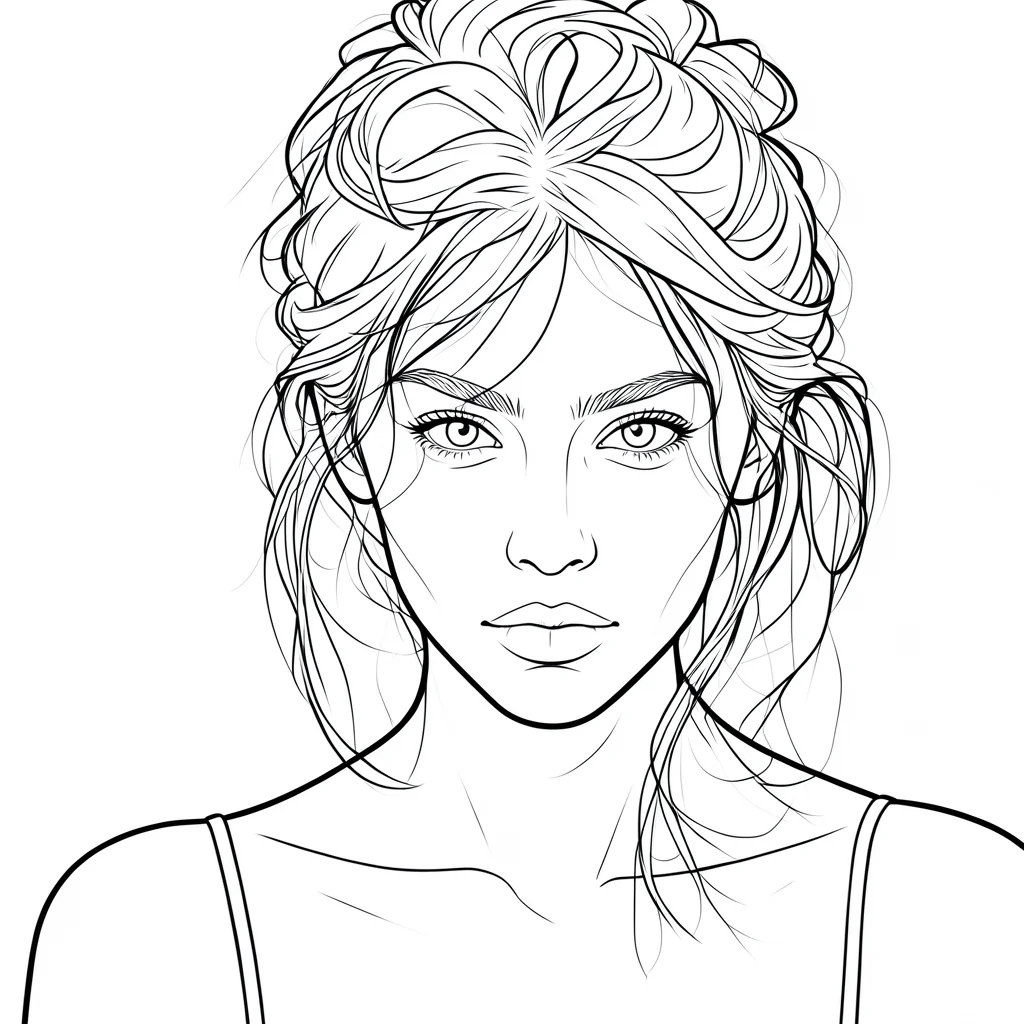


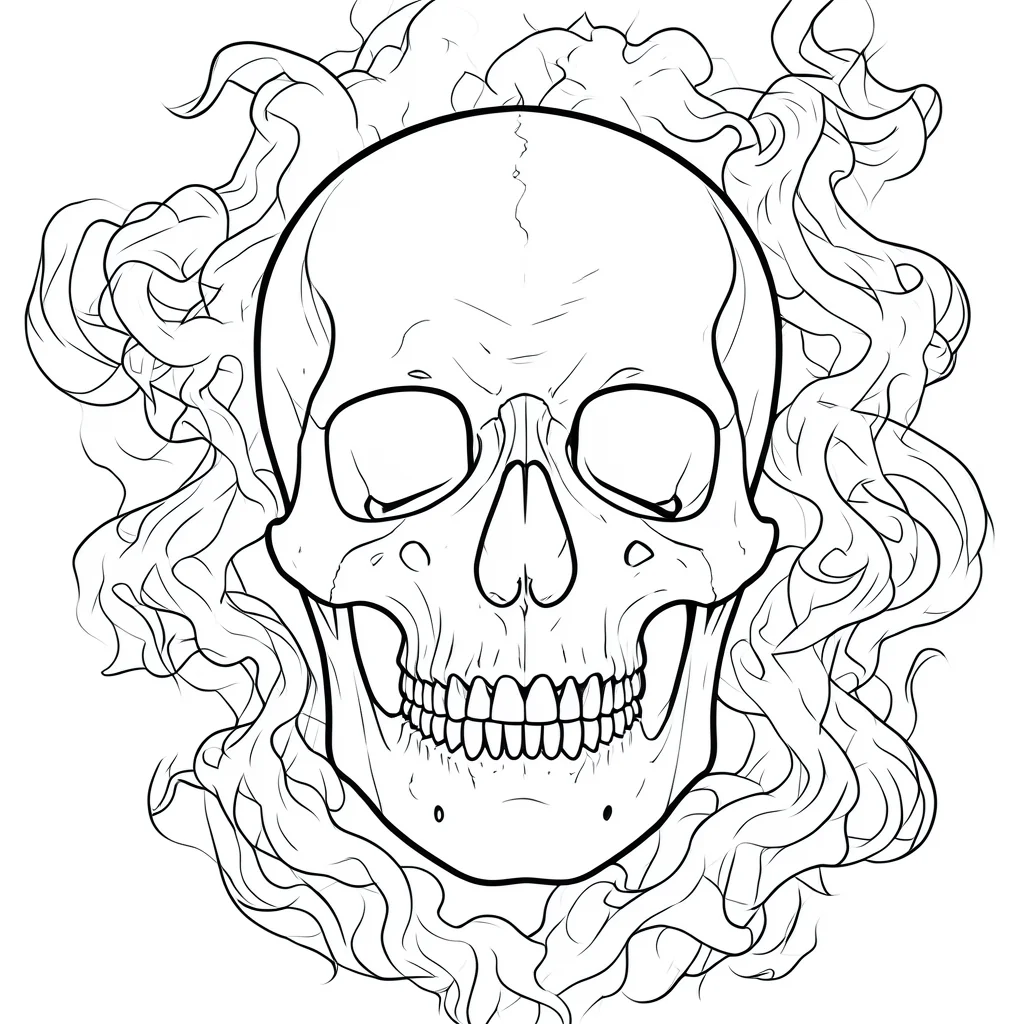
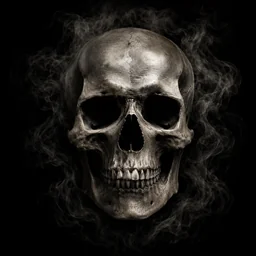
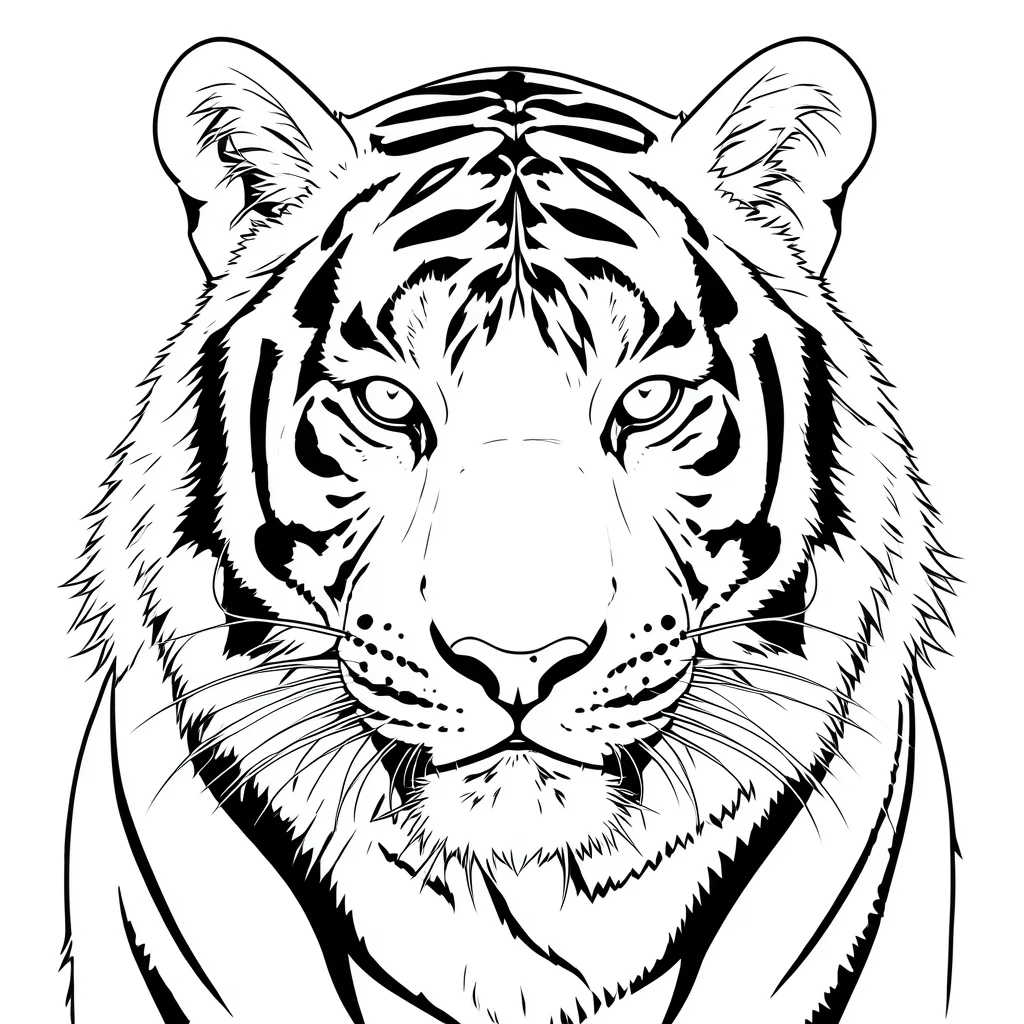
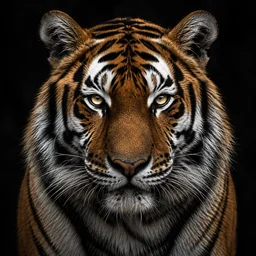
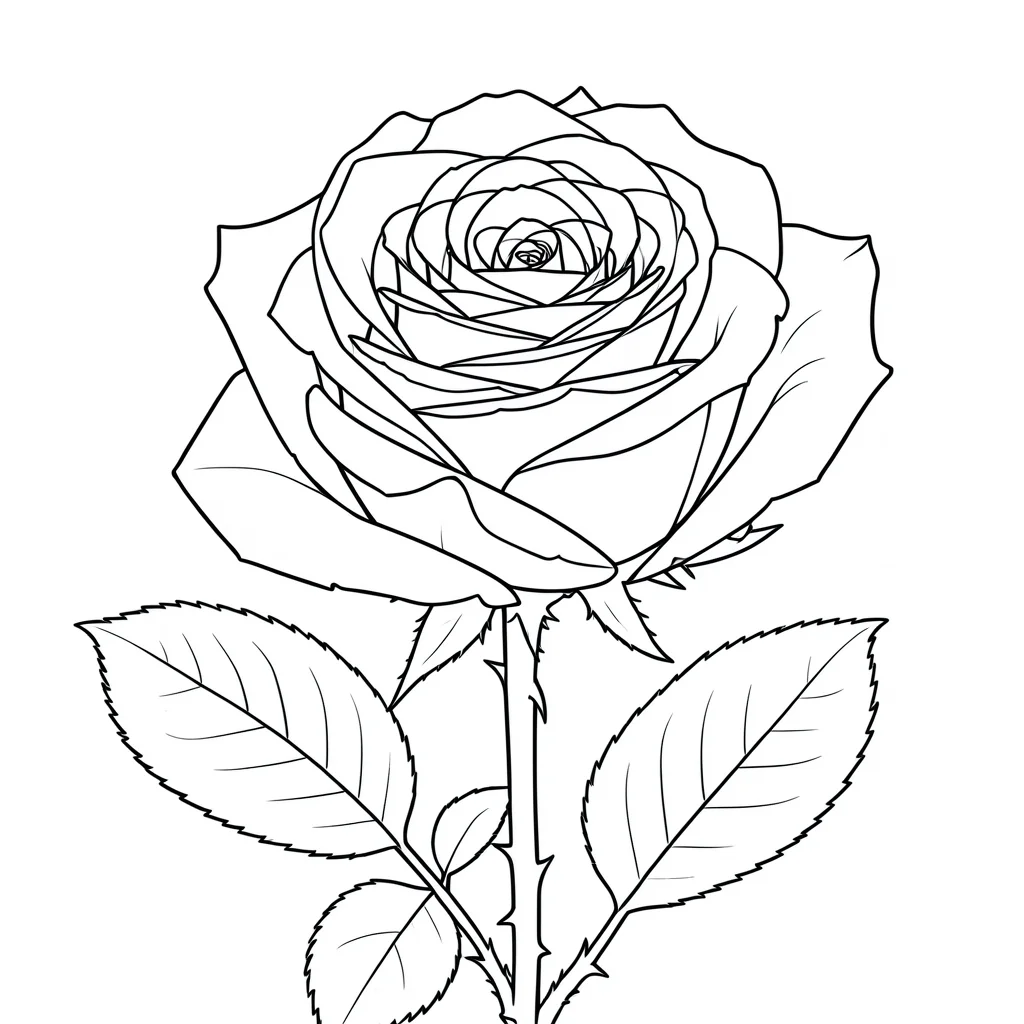

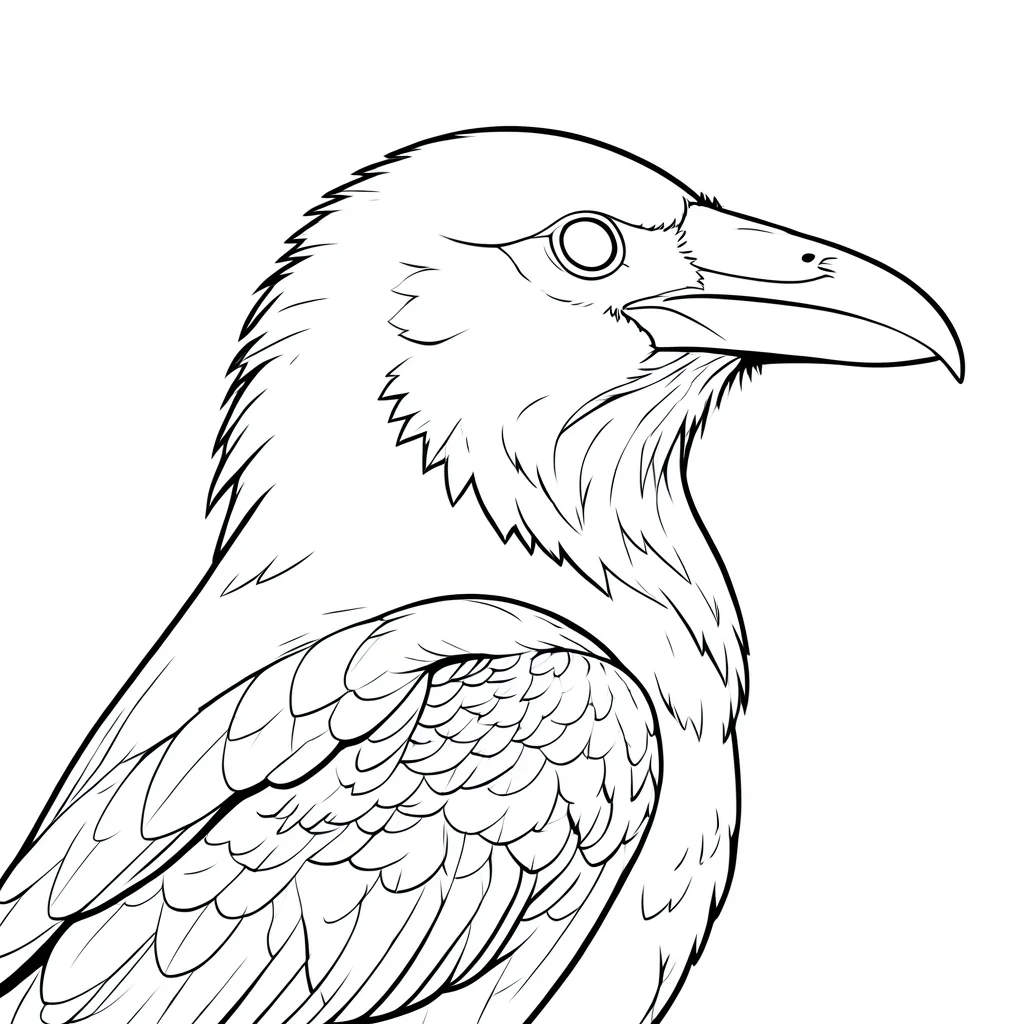
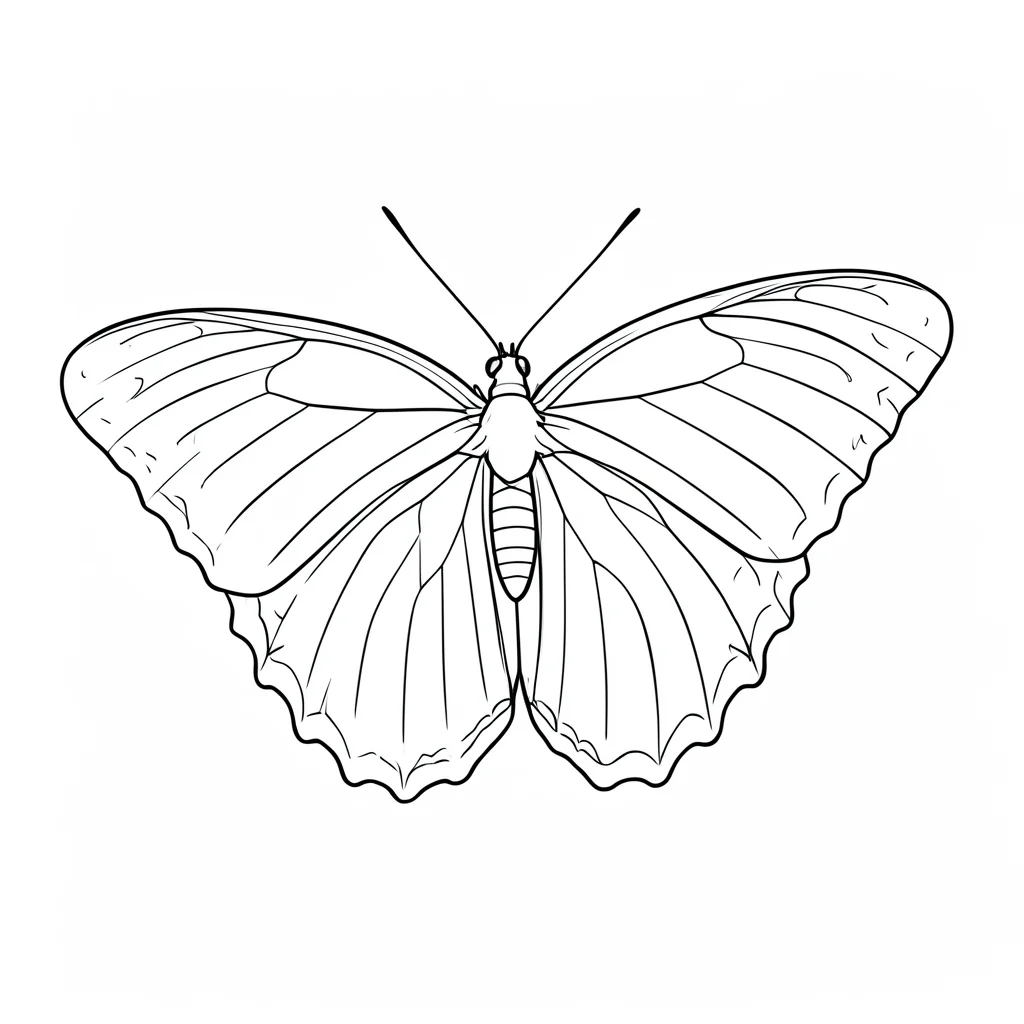

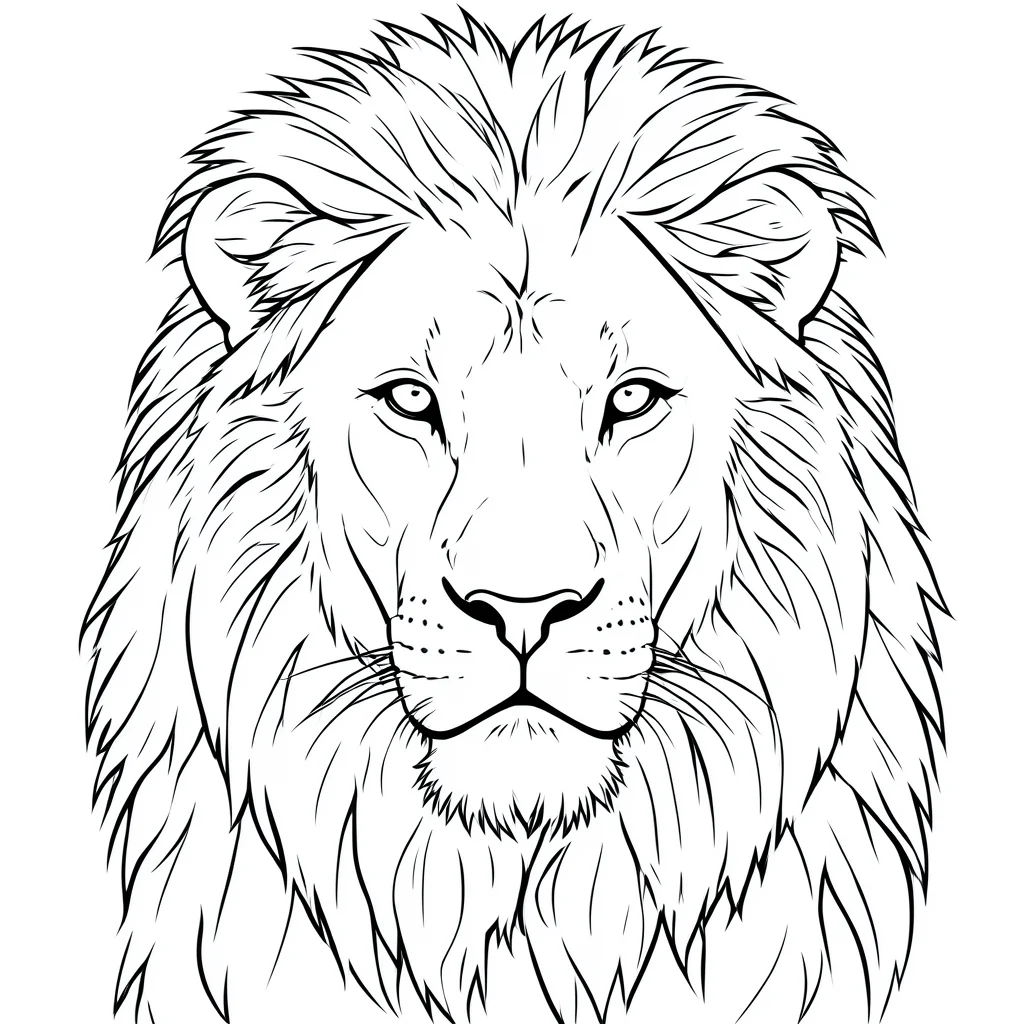
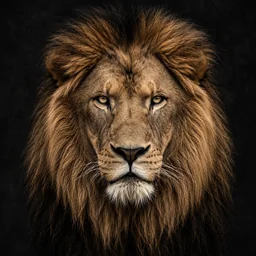
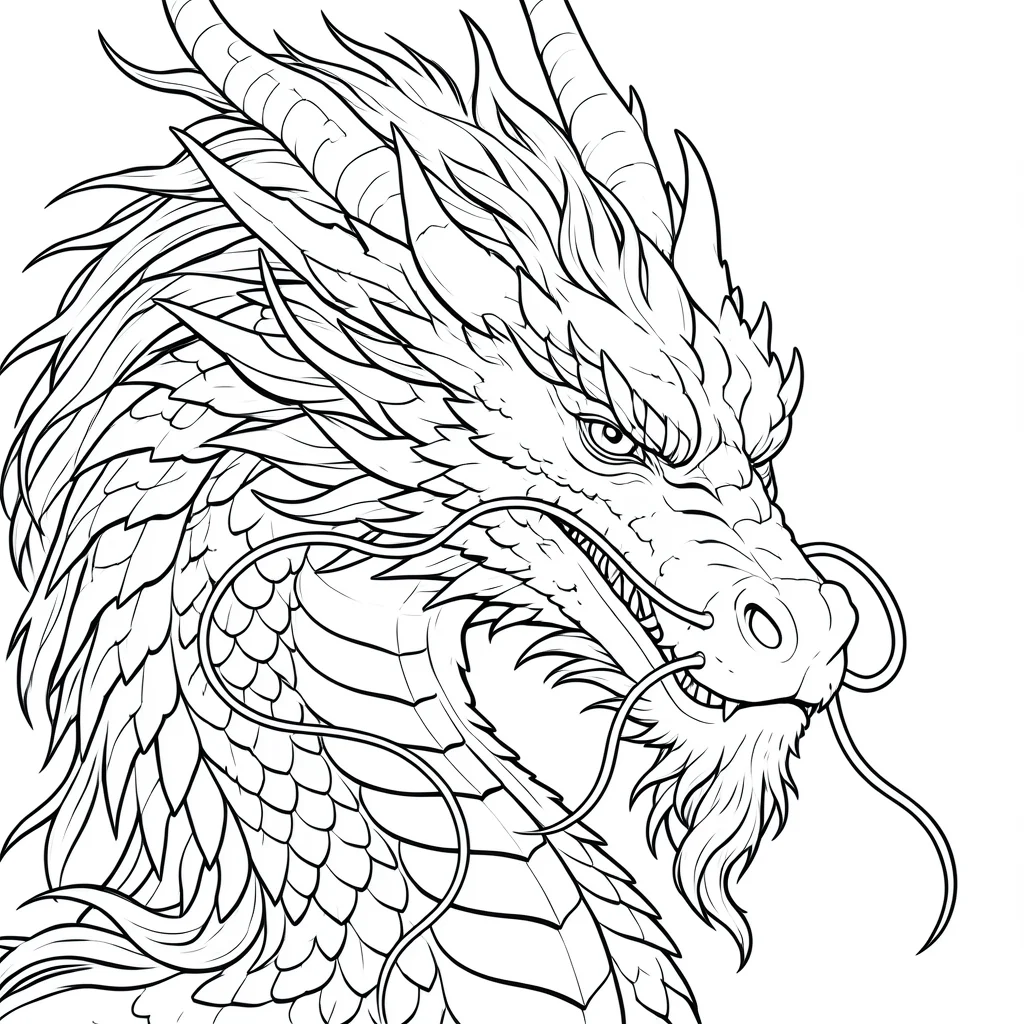
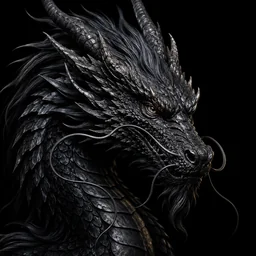
Stencil AI helps you turn a reference photo into a tattoo stencil you can actually work from. Instead of tracing line art by hand in Photoshop or Procreate, you upload a photo, simplify the image into clean lines, and move toward a transfer-ready result much faster.
People searching for tattoo stencils or a tattoo stencil maker usually want one thing: a clean outline they can print, transfer, and refine. Stencil AI is built for that workflow, from rough reference to stencil-ready line art.
Focus on clean outlines, readable line separation, and output that fits thermal transfer prep instead of generic AI art generation.
Use AI to remove noise, shadows, and distracting detail so you can spend more time refining the tattoo, not redrawing the reference from scratch.
Useful for flash cleanup, client references, practice pieces, and print-ready prep when you need tattoo stencils consistently, not just once.
The product is designed for real stencil prep workflows, whether you are working on client tattoos, practice sheets, or personal references.
Turn client references into workable line art faster, then fine-tune the stencil in your usual tools before printing or transferring.
If you are still learning how to make a tattoo stencil from a photo, this gives you a much faster starting point than tracing everything by hand.
Use it to explore tattoo stencil ideas from photos, screenshots, and sketches before bringing the concept to an artist for refinement.
Drop any reference — a photo, sketch, or screenshot — and let AI extract the tattoo stencil outline.
Pick a preset — classic, fine line, blackwork, minimalist — to steer how the stencil looks.
Get your stencil in seconds and send it straight to your thermal printer.
Upload a portrait, object, flower, animal, or screenshot and turn it into cleaner line art that can serve as the base for a tattoo stencil.
Use the model to simplify busy references, reduce visual clutter, and create a more readable tattoo stencil before final edits.
Generate a clean tattoo stencil that is easier to review, export, and print on thermal transfer paper.
A tattoo stencil is the line-art outline you transfer to skin before inking. When people look for tattoo stencils, they usually want that same transfer-ready line art — not a full color comp. The stencil is printed (often on thermal or carbon transfer paper), then applied with transfer solution. Stencil AI turns a photo or reference into that outline.
Use a dedicated photo-to-stencil tool: upload your reference, let the model extract line art, pick a style in Stencil AI, then export. The workflow is simple: upload, choose a look, and get a print-ready file in seconds instead of tracing for an hour in Photoshop. It works with photos, screenshots, and sketches.
No. If you need your own tattoo stencil from a reference — for personal use, practice, a one-off piece, or full client work — you’re in the right place. It helps hobbyists, flash collectors, and working artists alike. It is not a generic “AI tattoo art” toy; you pick a style and get print-ready line art. Beginners skip long hand-tracing; pros save time on every job.
In Stencil AI, try a style preset that reads heavier (for example blackwork or classic vs fine line). There is no separate line-thickness control today — styles are how you steer the look. For final needle-matched tweaks, many artists still nudge the exported image in their usual tools.
Sign in to run generations. New accounts get welcome bonus credits; each photo-to-stencil run uses 2 credits. For ongoing work, Plus and Pro add large monthly credit pools, watermark-free high-res exports, and more — open Upgrade in the app for current plan names and prices. You only pay if you outgrow the free try-out.
A tattoo design is the full idea — color, texture, and detail. A tattoo stencil is the simplified line art you transfer to skin. People browsing “tattoo stencil designs” still need that same black outline. Stencil AI converts a design or any photo into a clean stencil, ready to print and transfer.
Stop spending hours tracing in Photoshop. Upload a photo and get a transfer-ready tattoo stencil in seconds.