BeforeAfter
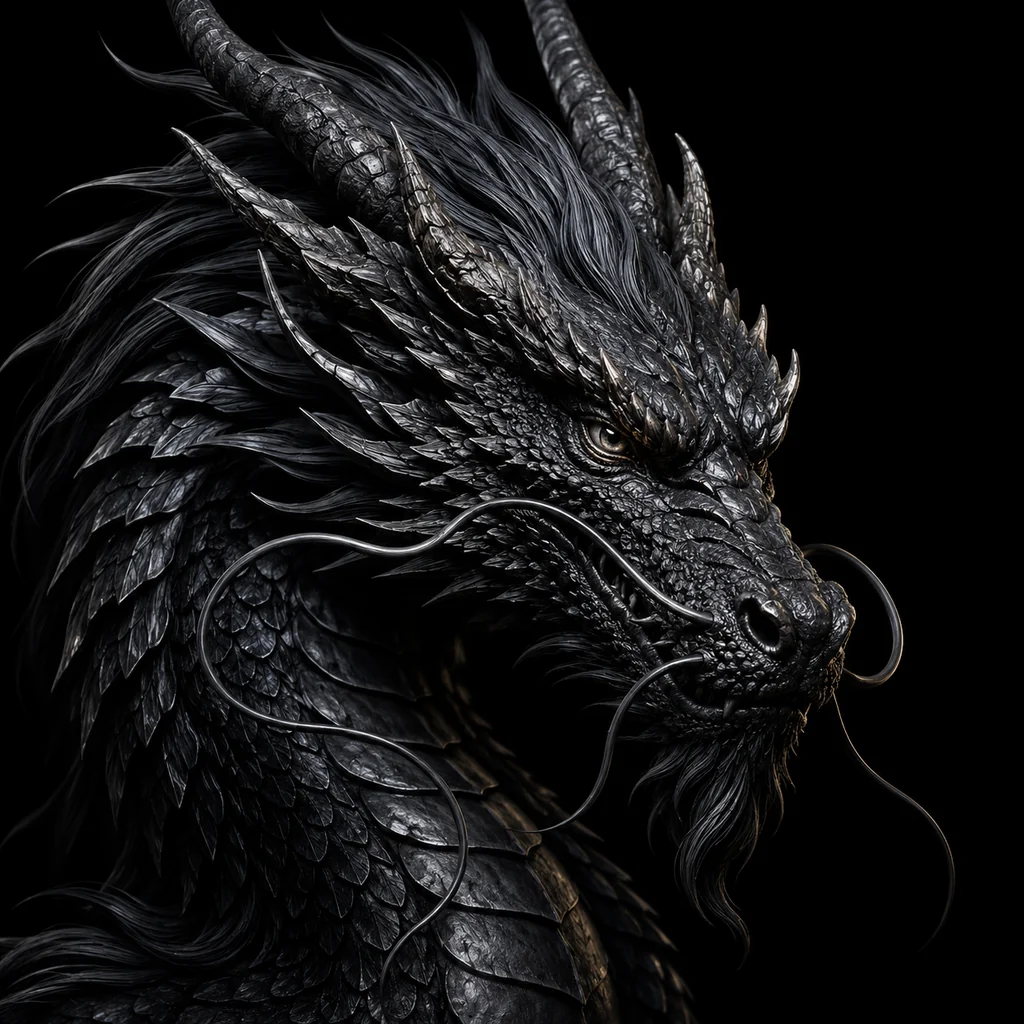
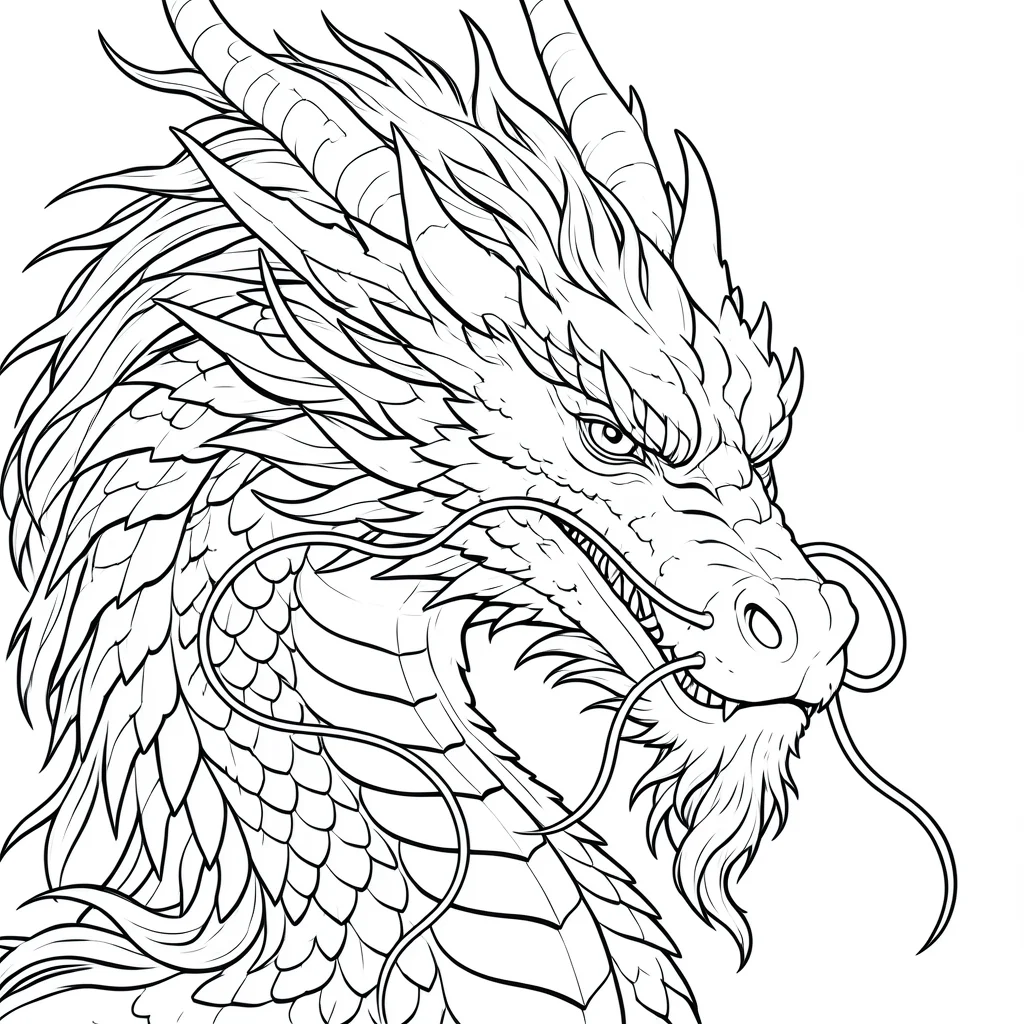
High-impact references can keep their silhouette
Dragon references test whether the stencil can preserve motion, body shape, and readable contour without turning into visual noise.
AI tattoo stencil generator
Upload a photo, sketch, or screenshot and turn it into clean stencil line art for tattoo prep. Stencil AI is built for reference-to-stencil workflows, not generic tattoo concept art.
The best tattoo stencil generator page should show real output, not just describe it. These examples show how Stencil AI turns references into cleaner line work while preserving the readable parts of the subject.
Dragon references test whether the stencil can preserve motion, body shape, and readable contour without turning into visual noise.
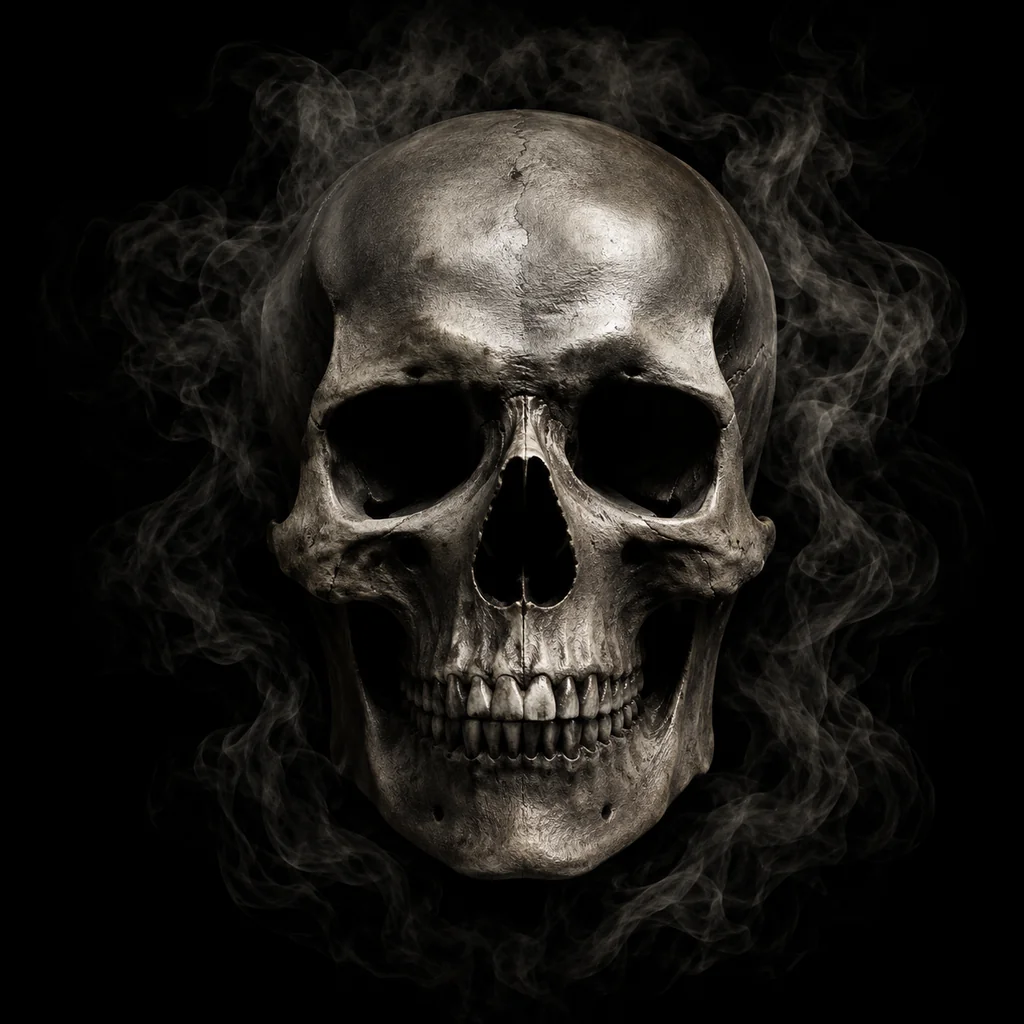
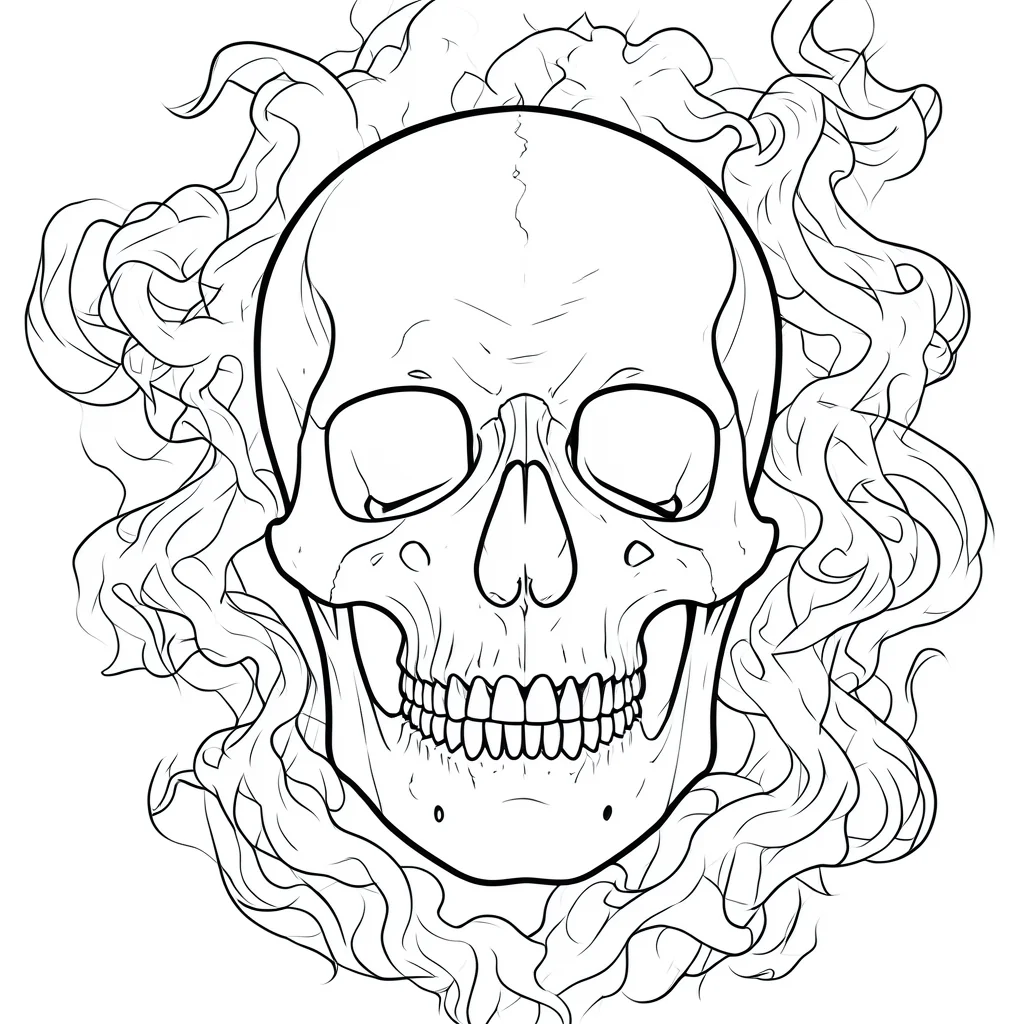
Skull references show how heavy shadows and smoky detail can be reduced into stronger outlines and bolder readable forms.
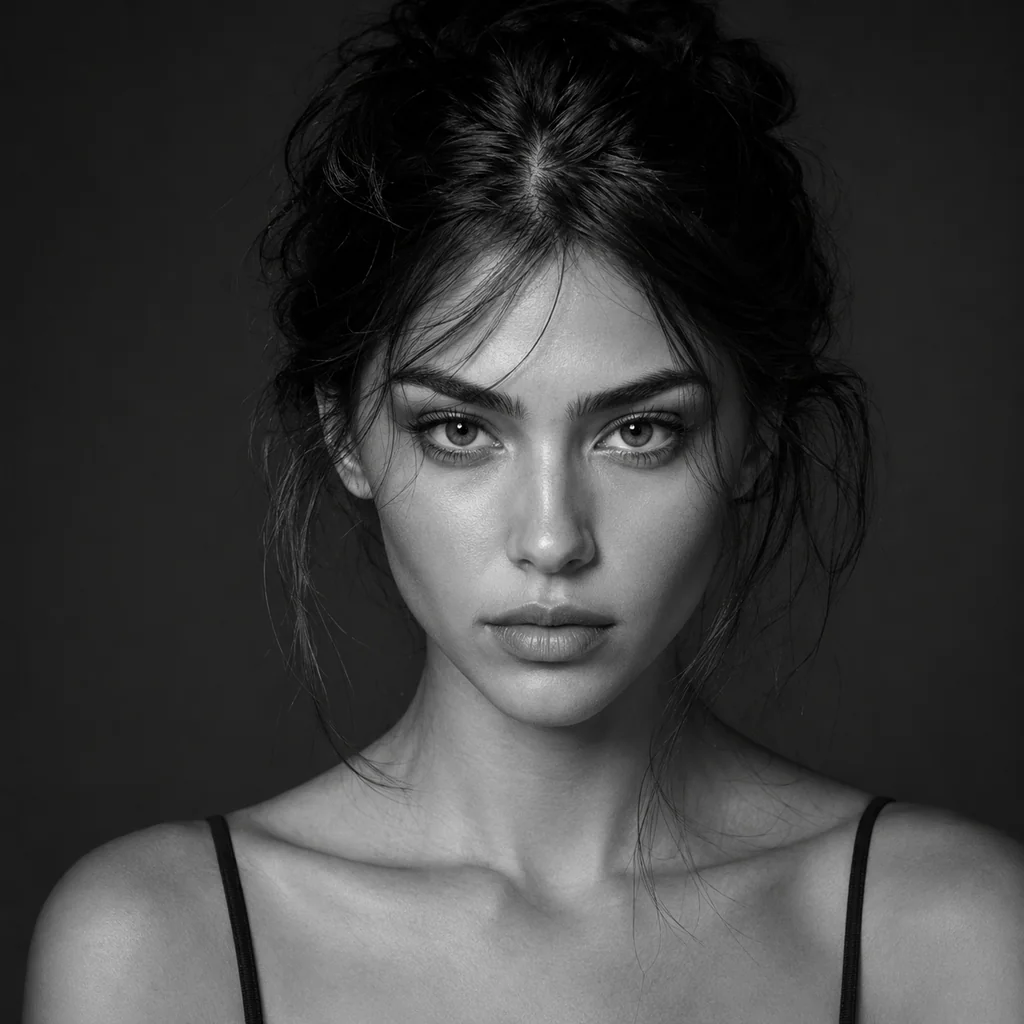
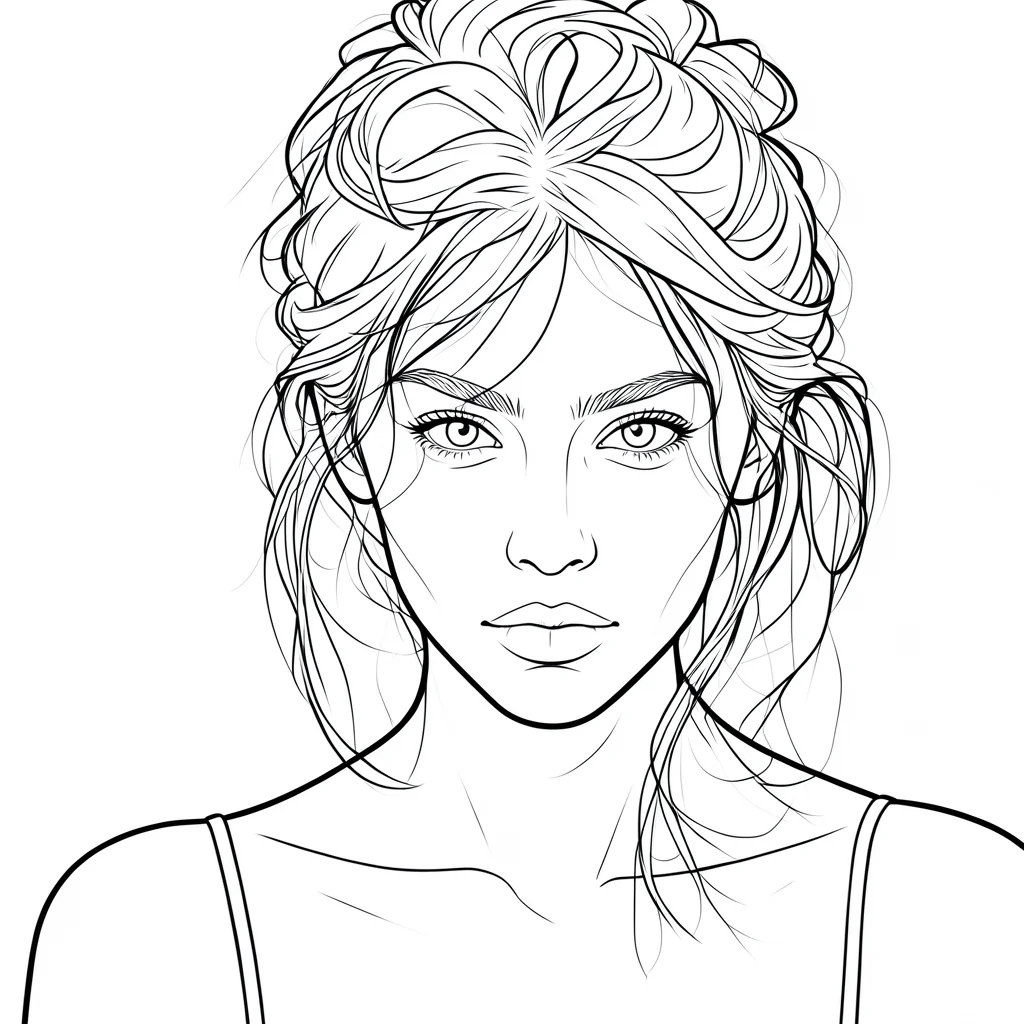
Face references work best when the generator keeps the important features and simplifies skin tone, hair texture, and soft lighting.
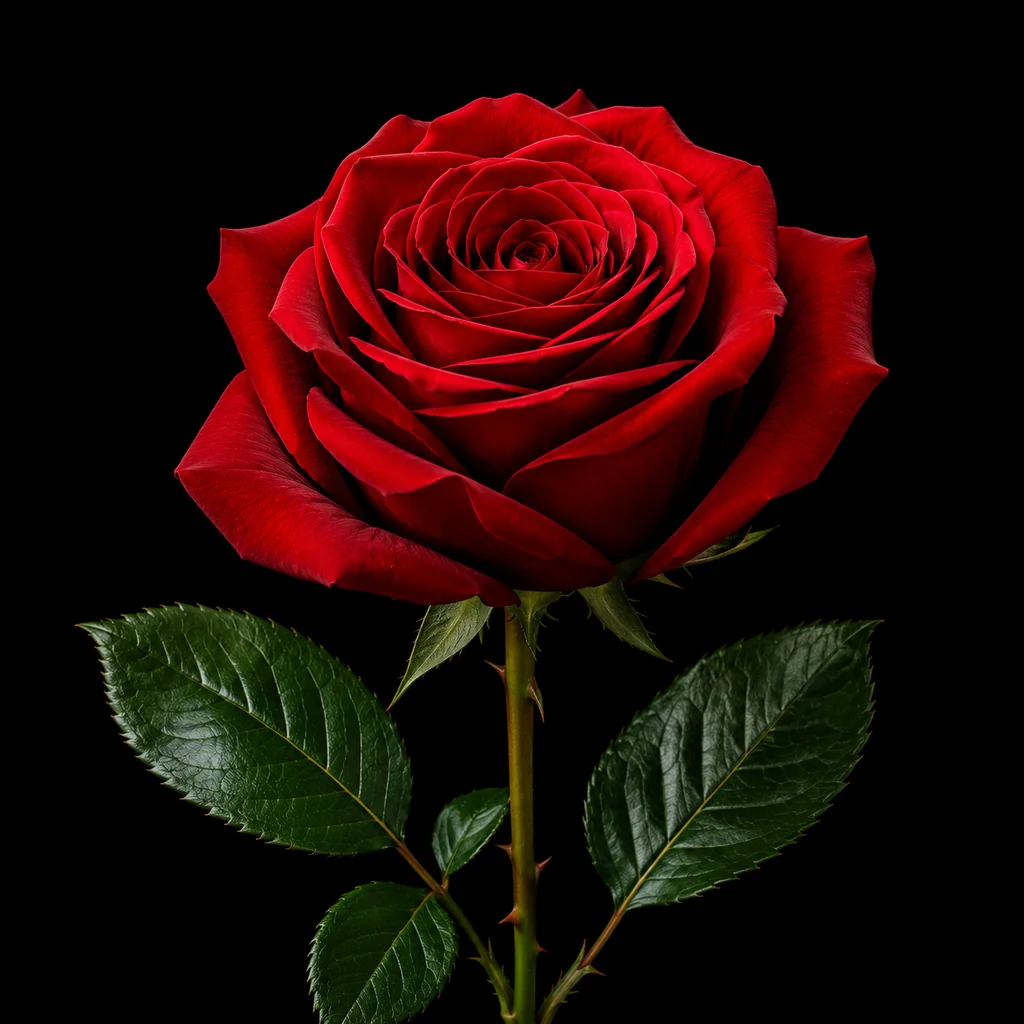
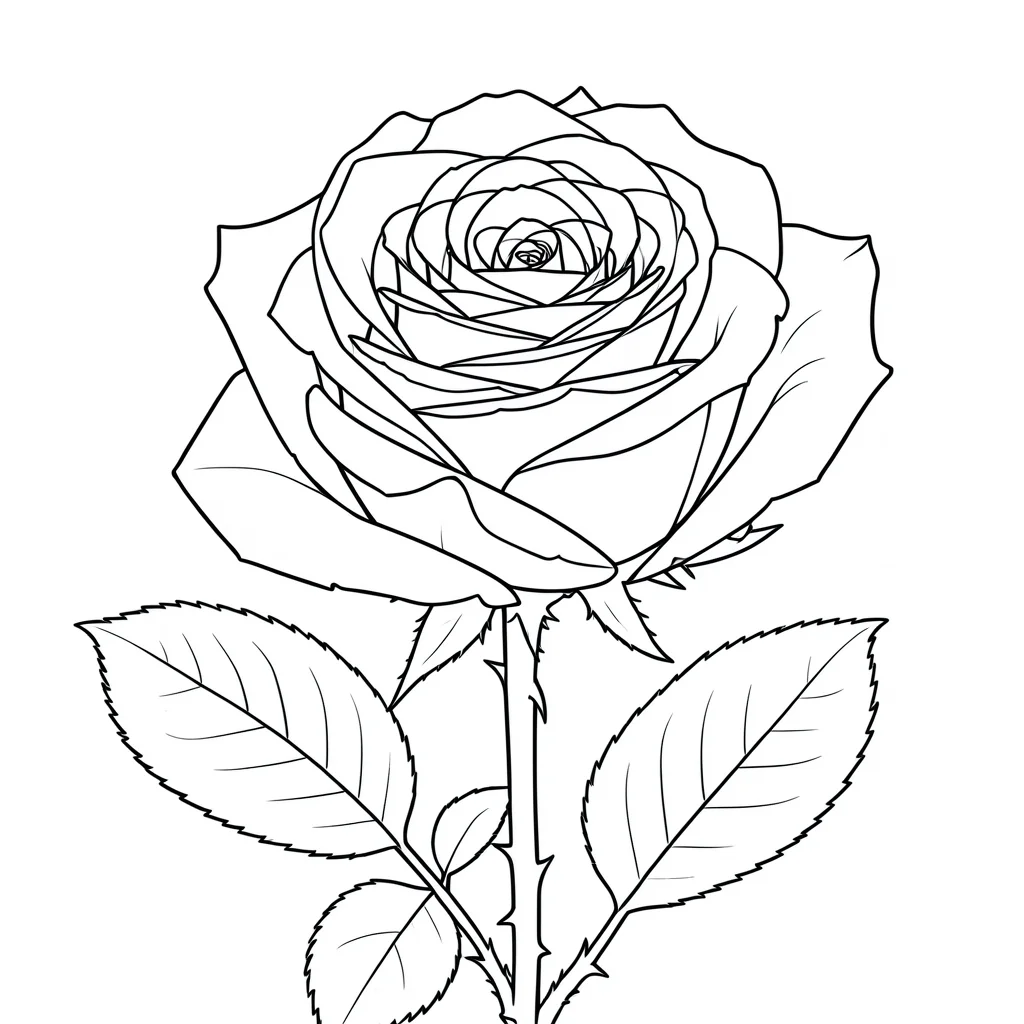
Petal edges, stems, and leaves stay readable while background noise and soft shadows are reduced.
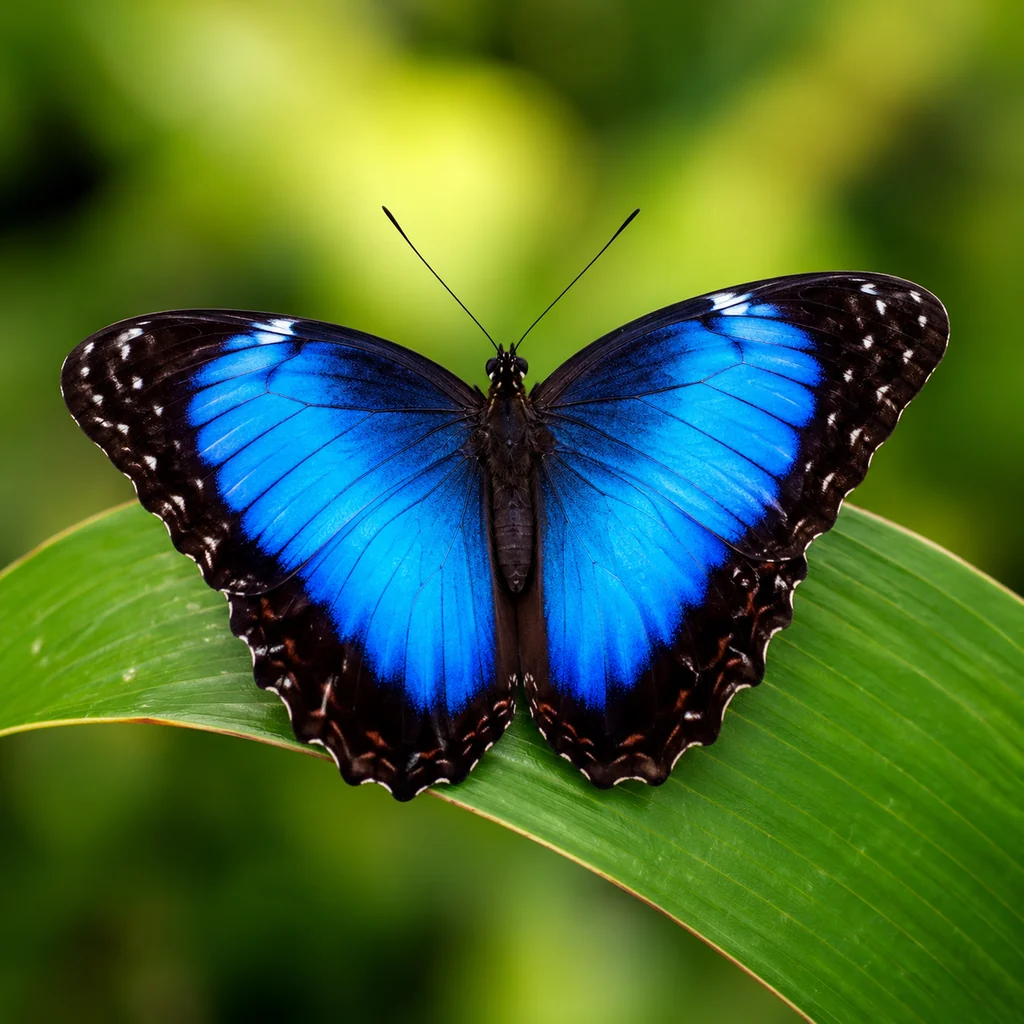
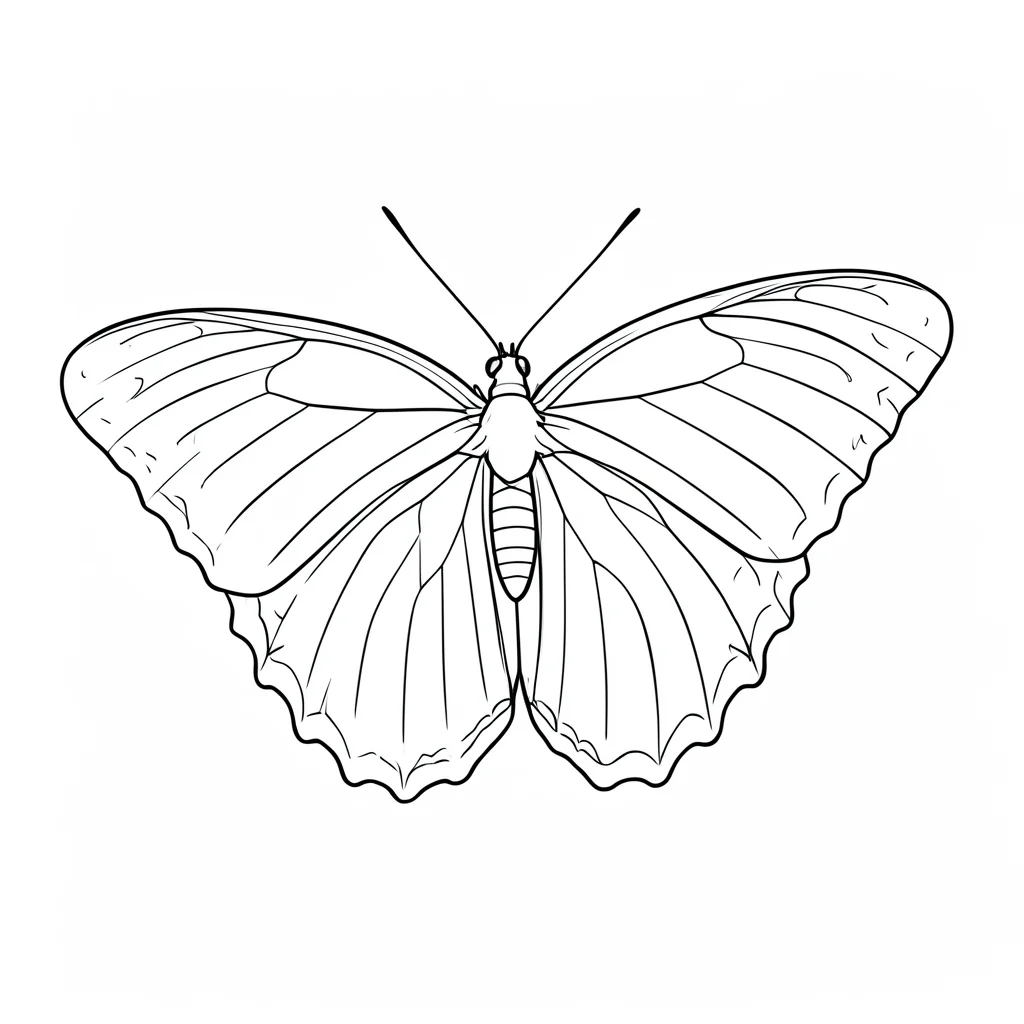
Butterfly references work best when the wing silhouette is clear enough to simplify into balanced stencil structure.
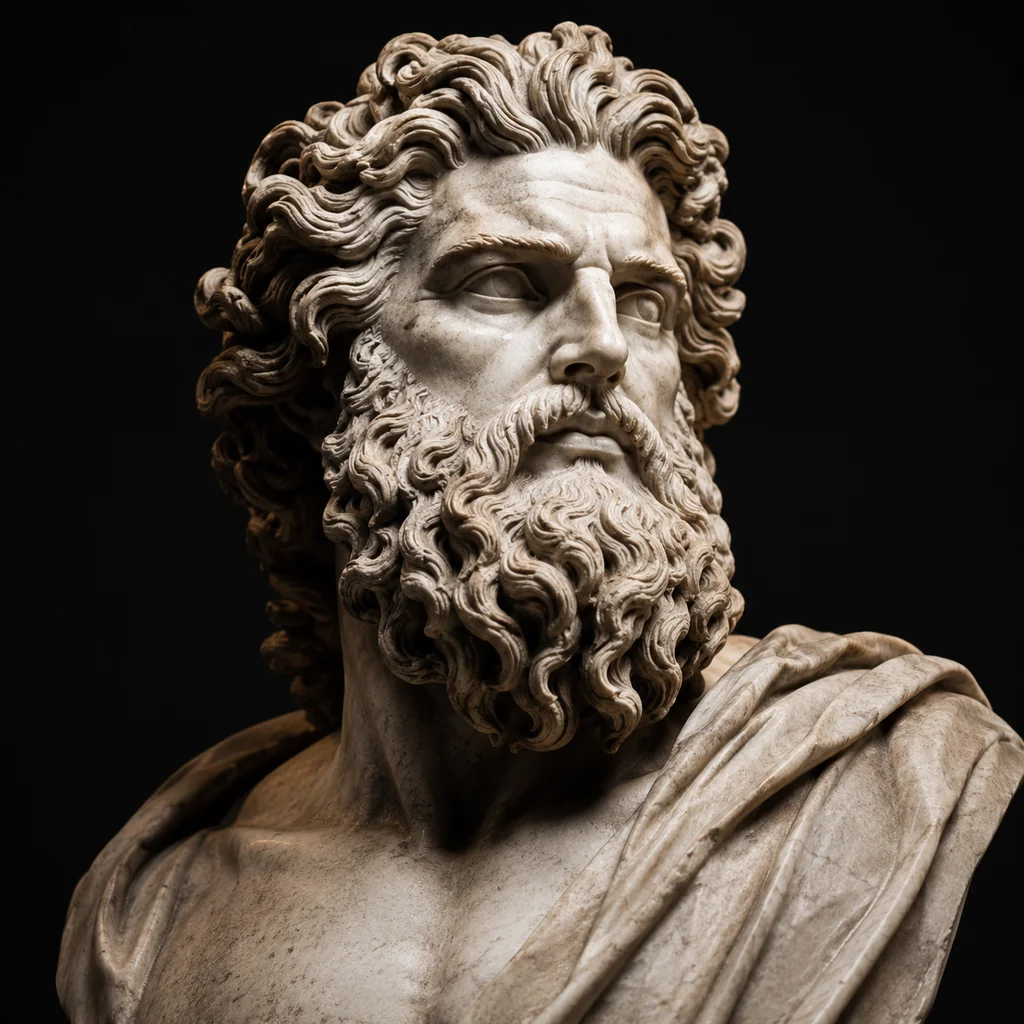
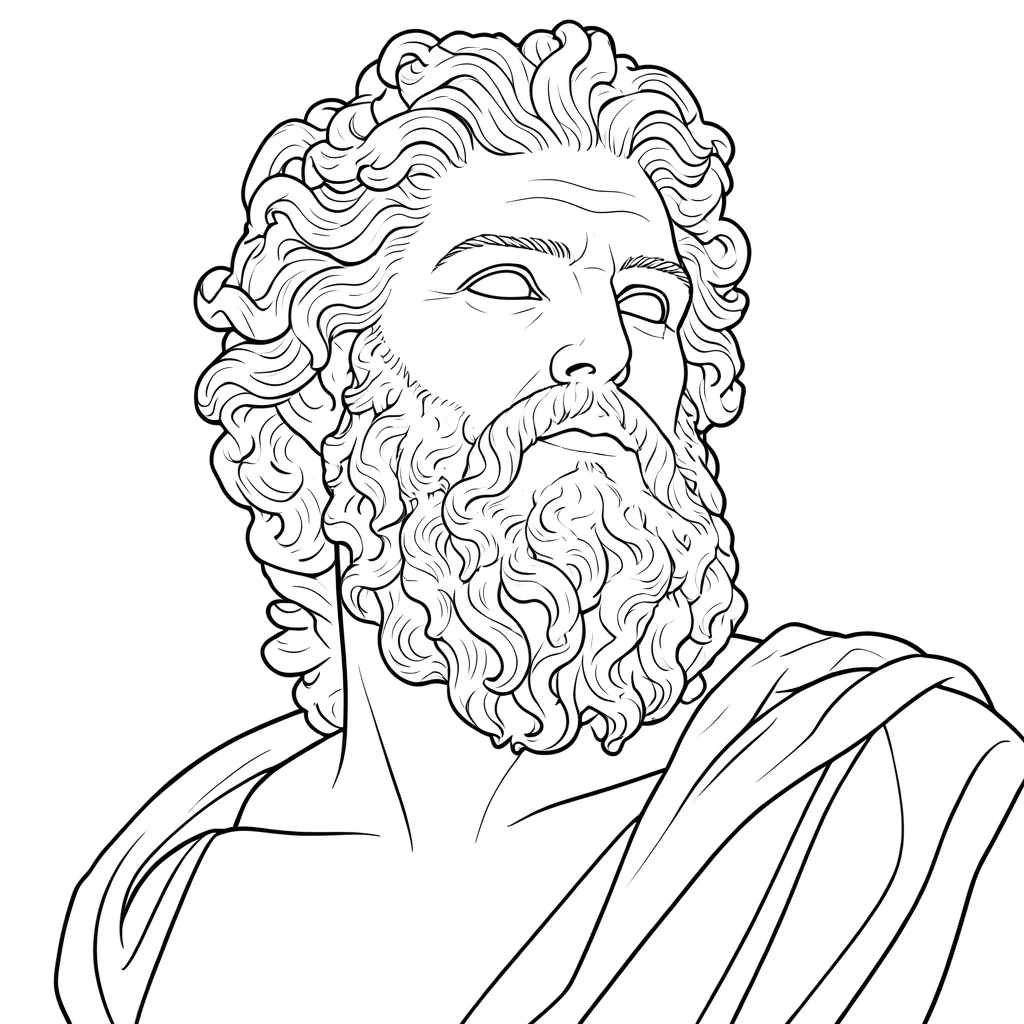
Lower-complexity references create stencil drafts that are easier to check before cleanup, print, or transfer.
The workflow is intentionally short: start with a reference, generate a stencil draft, then review the result before download or final cleanup.
Use a photo, sketch, screenshot, or flash reference with one clear subject and enough contrast.
Stencil AI simplifies noise, shadows, and texture into cleaner lines for tattoo stencil prep.
Check line readability, simplify small details if needed, then download the result for your next step.
A generator is only as useful as the reference you give it. These guidelines help produce cleaner stencil drafts and reduce failed uploads.
Portraits, flowers, animals, objects, symbols, and sketches work better when the main subject is not competing with a busy background.
Clean edges, visible outlines, and separated shapes make it easier to produce stencil lines that survive review and transfer.
Dark shadows, low-resolution screenshots, and dense detail can turn into clutter. Crop the subject first when possible.
Stencil AI is focused on converting existing references into stencil-ready line art. That makes this page different from broad tattoo design generators that invent new concepts from text prompts.
Usually creates new tattoo concepts, inspiration images, or styled artwork from a prompt.
Starts from your reference image and creates cleaner line art that can become a stencil draft.
If you are still choosing a reference, browse examples by theme first. Each page shows what makes that kind of stencil easier to generate and review.
Browse the full stencil hub with rose, flower, butterfly, beginner, simple, and bold stencil directions.
Learn the full prep workflow from reference selection to AI draft, cleanup, printing, and transfer review.
Review how artists can use stencil drafts before cleanup, thermal printing, transfer paper, and placement decisions.
See how petal edges, stems, leaves, and line density affect floral stencil generation.
Compare wing symmetry, simplified interior detail, and small-placement readability.
Start with lower-complexity references that are easier to trace, transfer, and review.
Use cleaner outlines and fewer details when the final tattoo needs to stay small or minimal.
Yes. You can start generating with free credits. Paid plans are available when you need more credits, higher-volume use, or watermark-free exports.
Yes. Upload a photo, sketch, or screenshot and Stencil AI will convert it into cleaner stencil-style line art that you can review before final use.
Use references with one clear subject, visible edges, good contrast, and limited background clutter. Very dark, blurry, or crowded images usually need cropping first.
You can download the generated result and use it as a stencil draft. Review the line work and make any final edits before printing or transfer prep.
Both can use it. Artists can speed up reference cleanup, while beginners can get a clearer starting point for learning photo-to-stencil prep.
Start with your own photo, sketch, or screenshot and generate a cleaner stencil draft in seconds.